5
For more information , please visit www.linkind.com or contact our support
team.
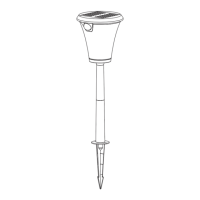
Solar Path Light
Manually
Add Devices
If the light failed to turn on, please
a) check if there is any light source around;
b) charge the light for a while and then cover the solar panel to have a test;
c) make sure you hear a clear "click" sound when you press the button.
TROUBLE SHOOTING
Our goal is to bring you the best shopping
experience on Amazon. If you have any
questions about our product, please feel free
to contact us. Our customer service is right
here to resolve the case.
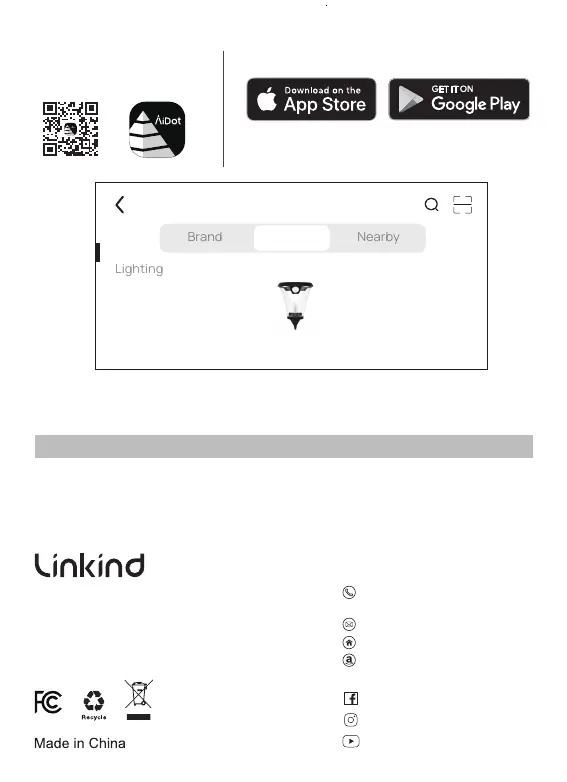
App Control
1. Scan the QR code below
to download the AiDot APP.
Or search for“AiDot” in App Store or Google Play.
2. Create an account and sign in.
3. Press ‘+’ - “devices”, select Solar Path Light,
and follow the instructions in the app.
service@linkind.com
http://www.linkind.com
Why not share your stories
to help other buyers?
1877-770-5727
(Mon.- Fri.9 to 5 PST)
@linkind.lights
@linkindoicial
@linkindoicial


 To Previous Page