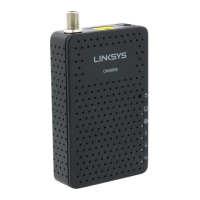
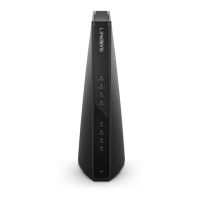
LINKSYS BEFCMU10 ver. 3 User Manual
6. You will be directed back to the Network dialog box, and on the “Configuration” tab, the
entry that includes TCP/IP -> followed by the Ethernet card installed in your computer will
appear in the list of installed network components.
7. Click TCP/IP -> followed by the Ethernet card installed in your computer, and then
click ”Properties”. The TCP/IP Properties dialog box will appear.



 To Next Page