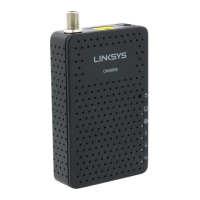
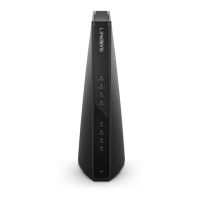
LINKSYS BEFCMU10 ver. 3 User Manual
3
3
.
.
3
3
-
-
2
2
F
F
o
o
r
r
W
W
i
i
n
n
d
d
o
o
w
w
s
s
2
2
0
0
0
0
0
0
/
/
X
X
P
P
1. Click “Start” button on your computer’s taskbar, point to “Settings”, and then click ”Network
and Dial-up Connections”.
2. The Network and Dial-up Connections window will show up. Double-click “Local Area
Connection” icon in the Network and Dial-up Connections window.
3. The Local Area Connection status window will show up. Click the “Properties” button.



 To Next Page