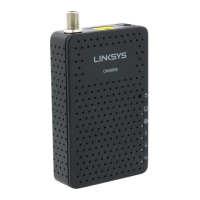
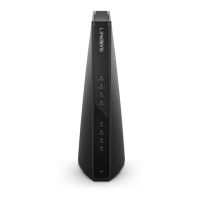
Front View
Click to
enlarge.
After the cable modem is successfully registered on the network, the Power, Receive, Send, and
Status indicators illuminate continuously to indicate that the cable modem is online and fully
operational.
Back View
Click to
enlarge.
The Linksys CM3016 has the following ports available on the back of the modem.
RESET – Press and hold for five seconds to restore to factory defaults and reboot the
modem
POWER – Connects to the power adapter
ETH – Connects devices to the 10/100/1000 RJ45 Ethernet port
CABLE – Connects to a coaxial cable
MAC
Address
Click to
enlarge.
MAC addresses are written as 12 digits containing both letters and numbers (0-9, A-F). A MAC
address is unique. The first six characters of the MAC address are unique to the manufacturer of
the device.



 To Next Page