Troubleshooting
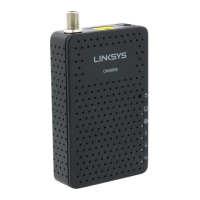
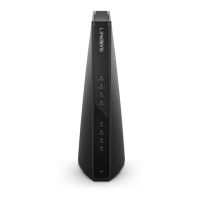
The modem lights indicate the current status of your cable modem. To troubleshoot any connection problems, use
the table below.
Modem
Light
Status Problem
Power
On None – the modem is powered on
Off
No power – Verify power supply connections and electrical outlet. Ensure the outlet is not
connected to a switch.
Receive
Solid Blue None – multiple downstream channels are in use
Solid Green None – one downstream channel is in use
Blinking None – scanning for downstream channels
Off
No downstream channels are in use – Verify all cable connections and try resetting the
modem.
Send
Solid Blue None – multiple upstream channels are in use
Solid Green None – one downstream channel is in use
Blinking
Green
None – scanning for an upstream channel
Off
No upstream channels are in use – Verify all cable connections and try resetting the
modem.
Status
On None – the modem is online
Blinking None – the modem is registering a connection
Off The modem is offline – Verify all cable connections and try resetting the modem.
Ethernet
On None – a device is connected to the Ethernet port
Blinking None – data is being transferred over the Ethernet connection
Off
No device is connected or the device is disabled – Verify all cable connections and try
resetting the modem.
Manufacturer Resources
LinksysCM30XX_UserGuide [PDF]
Related Manuals
1. Linksys CM3008, CM3016, CM3024 Cable Modem Manual User Guide Cable Modem CM30XX Product Overview Front
view Reset...
2. Linksys BEFCMU10v3 Details Modem Information Cable Modem DOCSIS 2.0...
3. Linksys BEFCMU10v4 Details Modem Information Cable Modem DOCSIS 2.0 with speeds of...
4. Linksys CG7500 Details Modem Information DOCSIS 3.0 Dual Band AC 1900 WiFi...
5. Linksys CM3024 Details Modem Information DOCSIS 3.0 Cable Modem 24×8 channel bonding...
6. Linksys CM3008 Details Modem Information DOCSIS 3.0 Cable Modem 8×4 channels with...


 To Previous Page
 Loading...