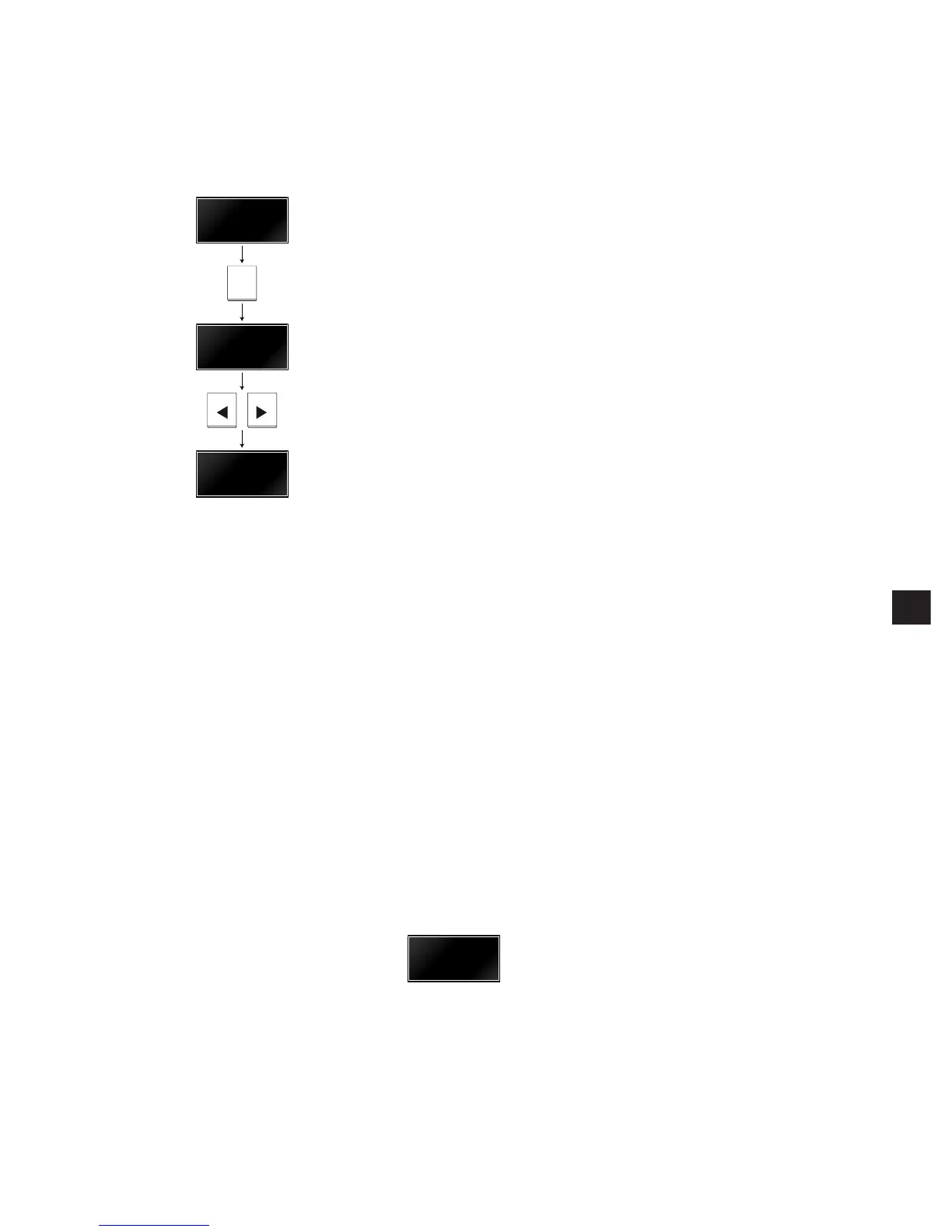
Press the TUNING key (TUN on the Sneaky KUDOS) until the
PRESET light illuminates on the front panel.
Then press < or > until the display shows the preset you want to
select; for example P 03.
Hold down the < or > button to step quickly between presets.
Remote: Press PRESET to select preset mode, and then press
+ or - to select a preset. Hold down + or - to step
between presets.
To enter a preset number directly
Using the remote control you can type a preset number directly as
follows.
If you have been controlling another source, such as a CD player,
first select the tuner by pressing TUN on the remote control (or
WHERE for a Sneaky KUDOS).
Then press PRESET to select preset mode.
To select a preset from 0 to 9 press the corresponding number on
the remote control.
To select a preset above 9 press and hold the first digit until it
appears as the left-hand digit of the preset number; for example:



 To Next Page