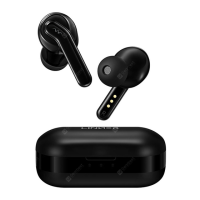
power on or off
Turn on/off the headset by Pressing and holding the ON/OFF button for several seconds.
Connecting devices via Bluetooth
1.The device enter pairing mode with red and green light flashing alternately when you hold down the multifunction button
for several seconds.
2.keep the Bluetooth available,Click on the Linner in the bluetooth list ,enter the PIN code "0000" ,then the headset can be
connected with the phone.


 To Next Page