Bluetooth Headphones Setup
To begin using your Bluetooth Stereo Headphones, please follow the steps below:
1. Ensure your Headphones are fully charged before attempting to use them.
2. Pair your charged Bluetooth Stereo Headphones with a Bluetooth-enabled phone.
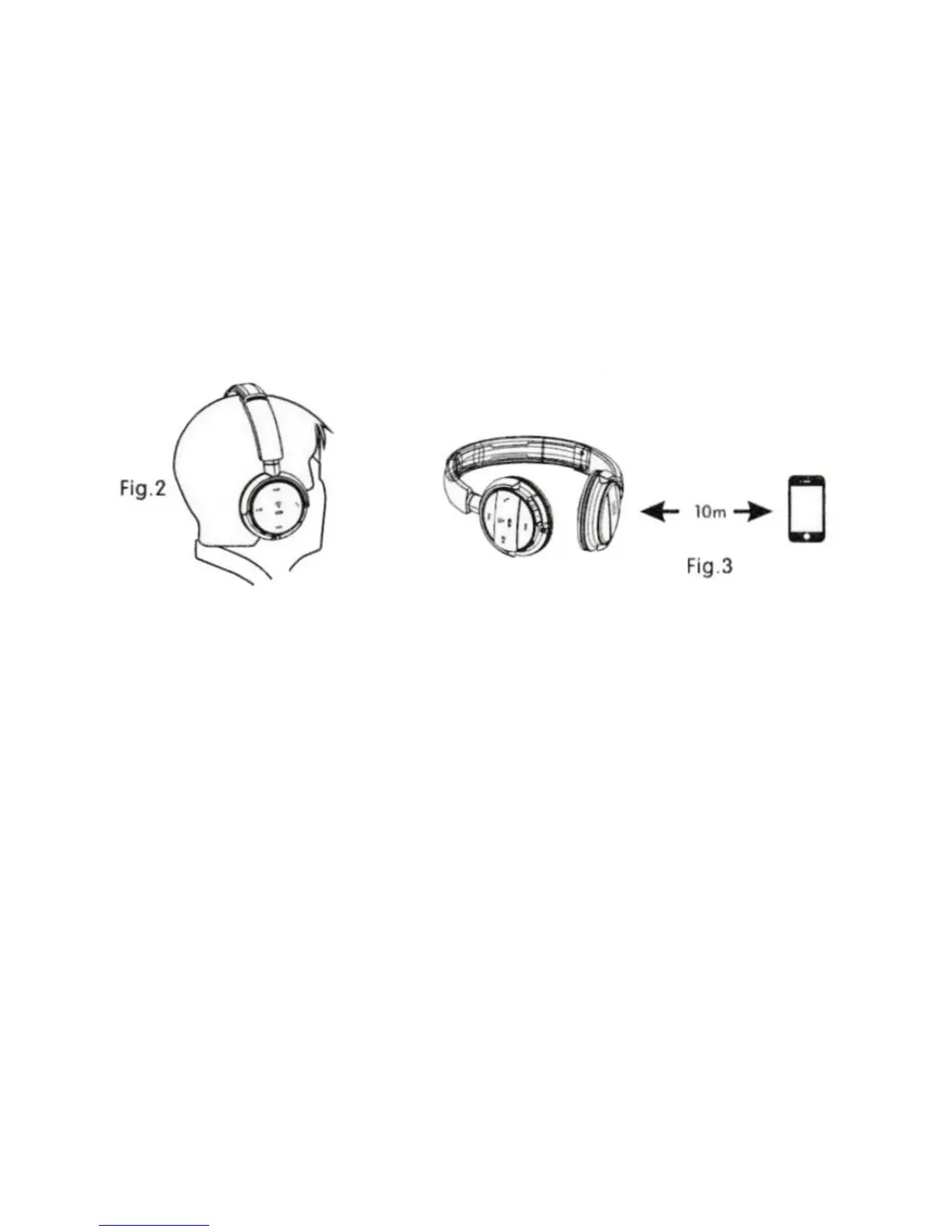
Wearing your headphones
Charging your headphones
Connect the charger to the charging port and plug into a standard 115 volt electrical socket. The
indicator light turns red when charging and the indicator light will turn blue once fully charged.
Turn your headphones on
To turn on your headphones, press and hold the MFB for 3 seconds till the indicator light flashes 3
times in blue.
Turn your headphones off
To turn off your headphones, press and hold the MFB for 3 seconds till the indicator light flashes 3
times in red.
Attention: if you do not use the headphones for an extended period of time, we suggest that you
should turn the headphones off and remember to also turn off the Bluetooth function on your
phone.


 To Next Page