Phone Calls
When there is an incoming call, the unit will pause playback and ring to alert you of
the call. To answer press the PLAYPAUSE button. To end call press PLAYPAUSE
button. To reject a call, press and hold the PLAYPAUSE button. To redial the last
number called press PLAYPAUSE button twice. On completion of the call the
speaker will automatically recommence playback.
AUX Function
Use a 3.5mm AUX-In cable to connect your media device through the AUX port on
the speaker. Connect other end of the AUX cord to your device. You can now play
music through the speaker.
USB Play
Play music from a USB Flashdrive by inserting the USB into the USB port. Supports
MP3 format files. Press the play button to start playback.
TF Card
Play music from a TF card by inserting the card into the TF card port. Press the play
button to start playback.
Lighting Functions
White Light Mode
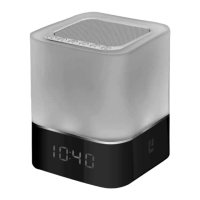
Initially, when switched on for the first time the LED will be in white light mode. To
change the dimming when in white light mode tap the top of the unit on the mesh
to desired brightness.


 To Next Page