• Connect the coaxial output of the TV to the coaxial input terminal of the audio amplier with
a coaxial cable.
• Press POWER to turn on the TV, then turn on the external equipment.
• Set the audio amplier to the coaxial input mode. Read the instructions for your audio
amplier.
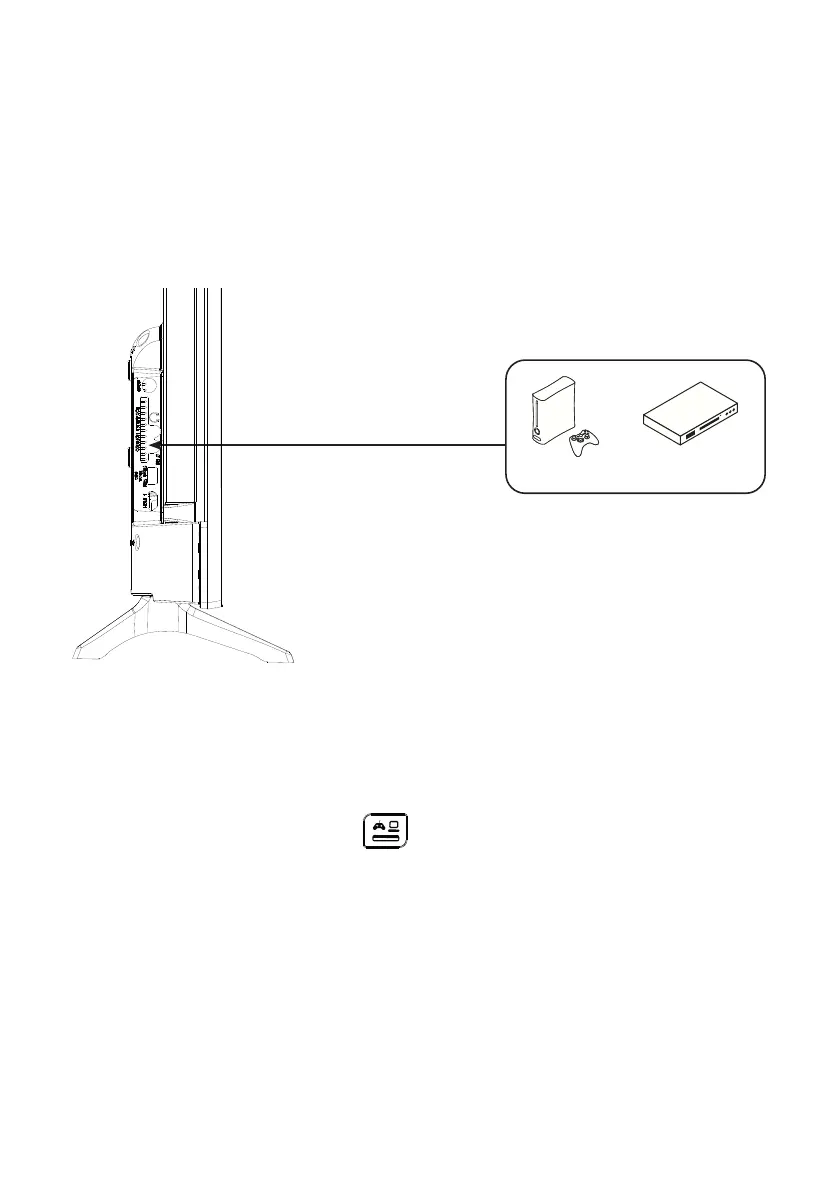
Connection with a composite cable
You can connect a VCR, DVD player or decoding box to your TV.
DVD/Blu-Ray Player
Game console
• Insert the supplied AV video cable into the SIDE AV jack on the back of your TV.
• Insert a jack/RCA adapter for composite into the SIDE AV jack on the back of your TV.
• Connect the red and white audio jacks of your device to the corresponding ports of
the jack/RCA
adapter
.
• Select the AV source by pressing the button on the remote control.
V.1.0 42



 To Next Page