EasyManua.ls Logo

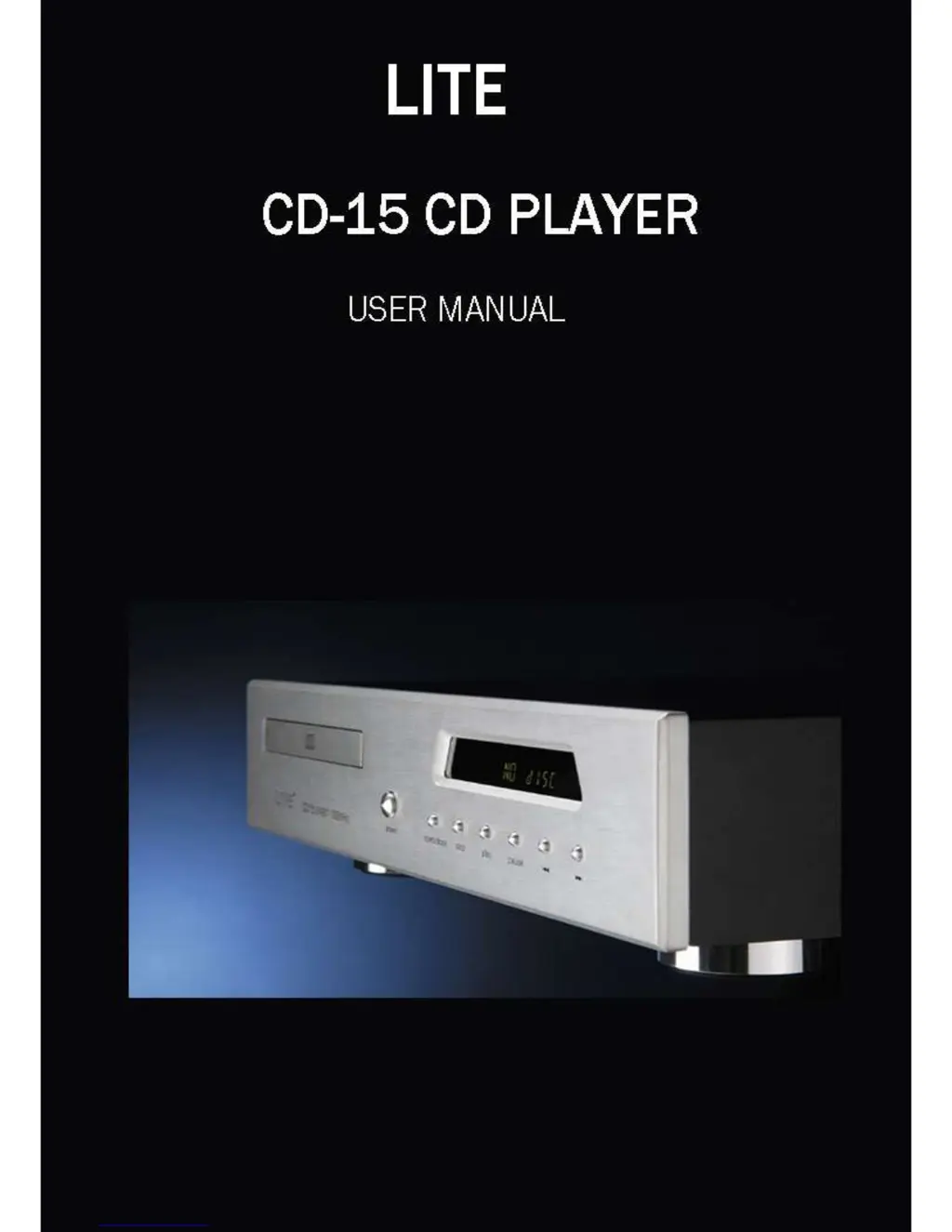
Lite CD-15 - User Manual

Default Icon
8 pages
Print Icon
To Next Page IconTo Next Page
Loading...

Questions and Answers

  • T
    Terry NguyenJul 26, 2025
    Why is the Lite CD-15 remote handset operation erratic?
    • E
      Emily WilsonJul 26, 2025
      The erratic operation of the remote handset of your Lite CD Player might be due to several reasons: * Weak or wrongly inserted batteries. Replace the batteries, ensuring correct polarity. * Obstruction in the handset signal path. Remove any obstructions or move the handset. * Excessive room lighting or sunlight. Try darkening the room. * Handset transmission angle being too wide. Operate the handset directly in front of the CD Player.
  • D
    Deborah WrightAug 1, 2025
    What to do if my Lite CD-15 is skipping and mistracking?
    • A
      Ashley HurleyAug 1, 2025
      If your Lite CD Player is skipping, it could be due to: * Excessive vibration. Ensure the player is on a stable, vibration-free surface. * A dirty or scratched disc. Clean the disc carefully, or discard it if it's badly scratched.
  • V
    victortoddAug 8, 2025
    What to do if my Lite CD-15 disc inserts, but the display does not show the number of tracks and playing time?
    • C
      Casey AllenAug 8, 2025
      If your Lite CD Player isn't displaying track numbers or playing time, consider these possibilities: * The disc might be inserted upside down. Re-insert it with the label side up. * The disc could be dirty or scratched. Clean the disc or discard it if scratched. * There might be condensation on the laser lens. Allow the CD player to warm up and let the lens dry out.
  • H
    Heidi RussellAug 14, 2025
    Why is there excessive hum from my Lite CD-15?
    • D
      devansAug 14, 2025
      Excessive hum from your Lite CD Player is likely caused by a loose connection or a faulty cable. Try re-connecting the plugs or changing the interconnect cable.
  • J
    Julie RichardsonAug 20, 2025
    What to do if one channel is inoperative on my Lite CD-15 CD Player?
    • T
      Tom BenjaminAug 20, 2025
      If one channel on your Lite CD Player isn't working, the interconnect or amplifier might be faulty. Try changing the lead or using a different line input on your amplifier.

Summary

Laser Safety

Laser Diode Properties

Details laser diode materials, wavelength, and output power.

Cautions

Voltage Check

Verify mains supply voltage against the label before connecting the player.

General Cautions

Front Panel View

Rear Panel View

Analogue Output

Connections for Balanced (XLR) and Unbalanced (RCA) audio signals.

Setup

Connecting Mains Power

Instructions for connecting the power lead to the unit and mains supply.

Signal Connections

Details on connecting analogue and digital audio outputs.

Operation

Switching On

Instructions on how to power on the CD player and what to expect.

Loading a Disc

Steps for inserting a disc and starting playback.

Selecting a Track

Troubleshooting

Symptom: Disc inserts, display does not show the number of tracks and playing time

Likely causes and suggested remedies for disc recognition issues.

Symptom: Skipping & mistracking

Likely causes and suggested remedies for skipping and mistracking.

Symptom: Excessive hum

Likely causes and suggested remedies for excessive hum.

Guarantee

Specifications

Digital Outputs

Lists the available digital audio output connectors and specifications.

Lite CD-15 Specifications

General IconGeneral
TypeCD Player
Frequency Response20Hz - 20kHz
Weight3.5 kg
Channels2
Output Voltage2V
Power SupplyAC 230V, 50Hz