LiteHawk RANGER Instruction Manual 6
FPV Installation:
You do not need to install the app to use the LiteHawk RANGER - it is optional.
To experience the thrill of FPV (First Person View) and get a view from inside the cockpit
of your LiteHawk RANGER. The live stream connection is through your device’s WIFI and
does not use cellular data. The range or distance of the live stream view will vary but
expect a maximum of 75ft. You will still have control over the toy, just the video stream
connection may break up.
Android users download the APP through ( http://fir.im/litehawk )
IOS System: Settings-General-Device Management-Enterprise App Verified.
Turn on the Hovercraft
Connect WIFI SSID: litehawk. (No Password required)
Click the Litehawk to enter the APP
GOOGLE PLAY QR CODEApple PLAY QR CODE
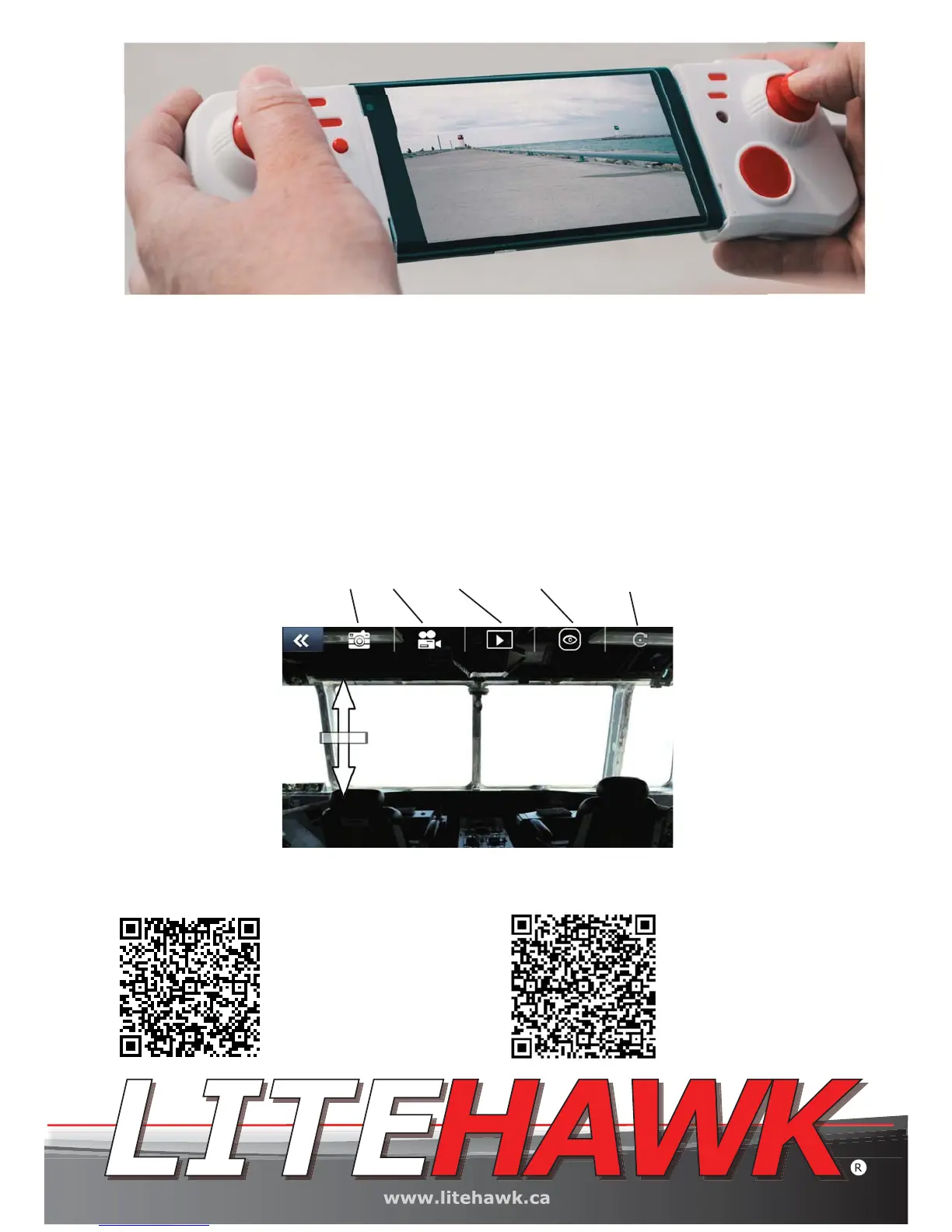
Photo Video Play Back Full Screen View Rotate
Android users download
the APP through
( http://fir.im/litehawk )
Itunes
(https://itunes.ap-
ple.com/cn/ap-
p/lite-hawk-v0-1h/id125
3904862?mt=8)


 To Next Page