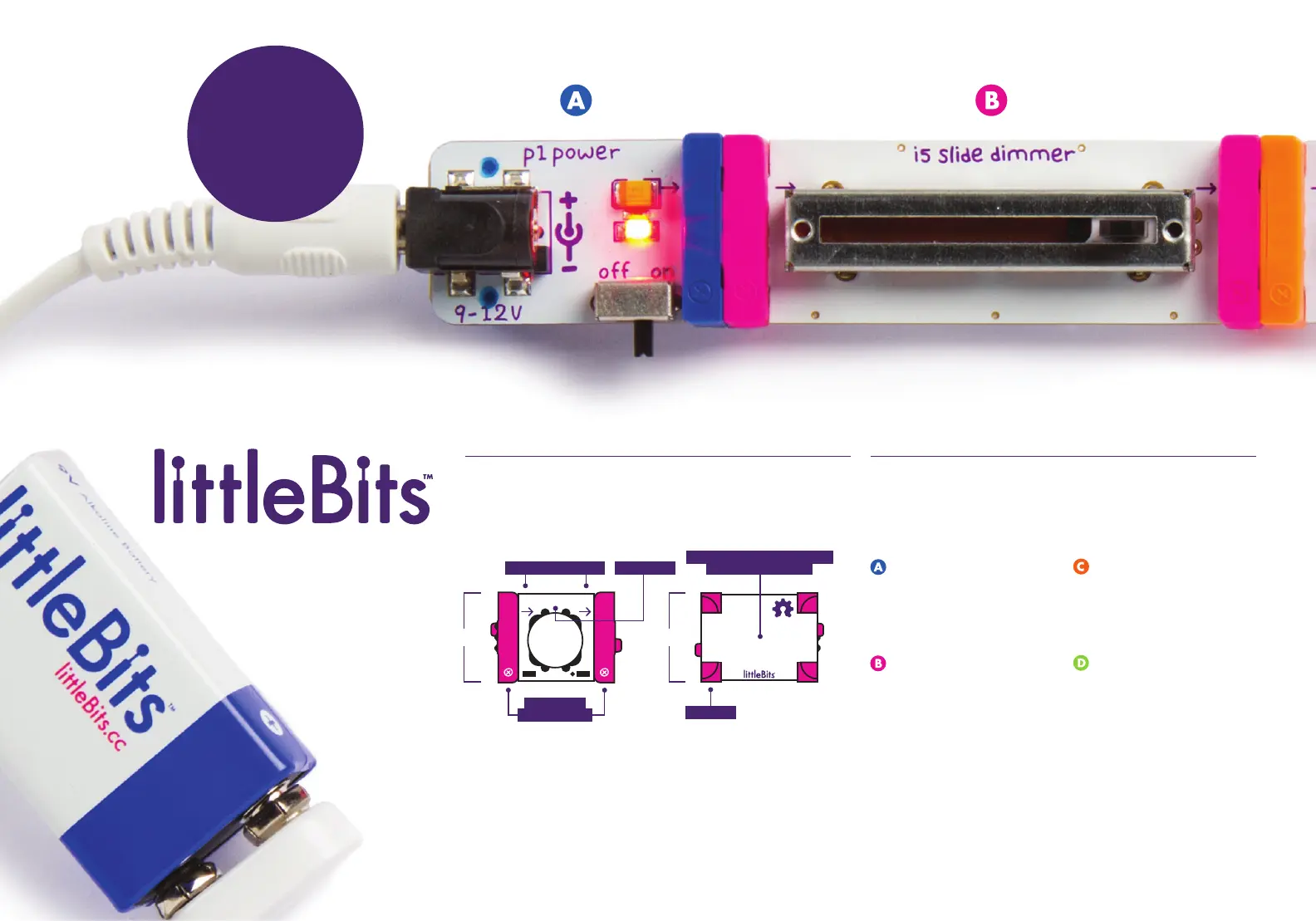
ANATOMY OF A BIT
TM
Learn how you can tell top from bottom.
1
BIT FEET
BOTTOM
TOP
BITSNAPS
(“X” ICONS)
OPEN HARDWARE SYMBOL
& LITTLEBITS LOGO
COLOR-CODED BY FUNCTION
Bits
TM
are grouped into four dierent categories,
which are color-coded.
Learn more about your Bits in the BIT INDEX ON PG 06
2
POWER (BLUE)
Power Bits, plus a power
supply, run power through
your circuit.
INPUT (PINK)
Input Bits accept input from
you or the environment and
send signals that aect the
Bits that follow.
OUTPUT (GREEN)
Output Bits do something –
light up, buzz, move…
WIRE (ORANGE)
Wire Bits connect to other
systems and let you build
circuits in new directions.
BUILD DIRECTION
BASICS
BUILD & PLAY
WITH THIS
CIRCUIT FIRST
i3 button
BIT NAME


 To Next Page
 Loading...