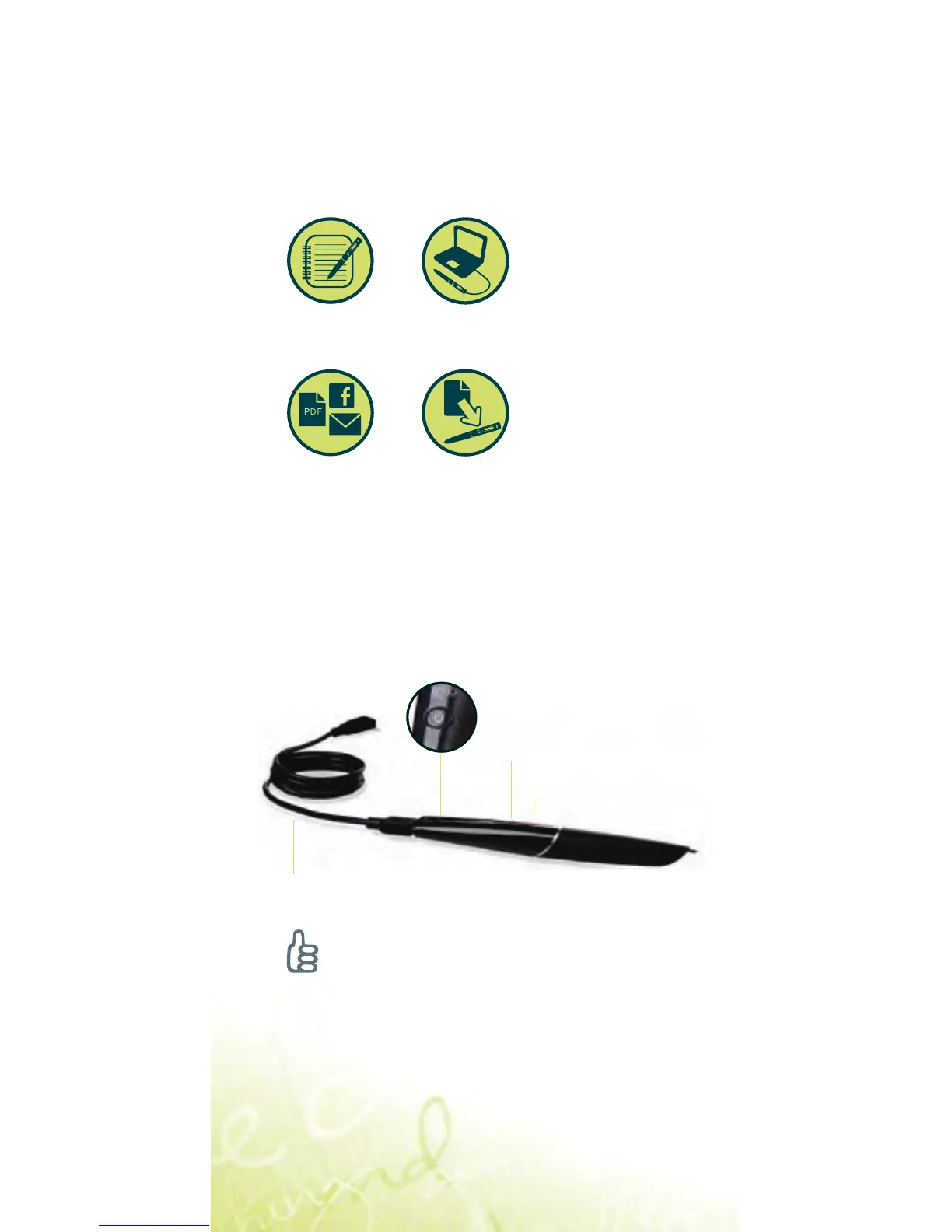
There are four parts of the
Echo
TM
smartpen system
you will need to know:
Power button
Micro USB cable
Microphone
Built-in speaker
Turn your Echo smartpen on
Sharing
Smartpen
Applications
Smartpen
and Paper
Livescribe
TM
Desktop
Tip:
If your smartpen doesn’t power on, you
may need to charge it. To charge, make
sure your computer is on, and connect
your smartpen to your computer with the
included USB cable. A full charge may
take up to 2.5 hours.
English Page 1
LS_Echo_EFIGS_GSG_PC2_01



 To Next Page