Setting up your
Echo
TM
smartpen
Time and date
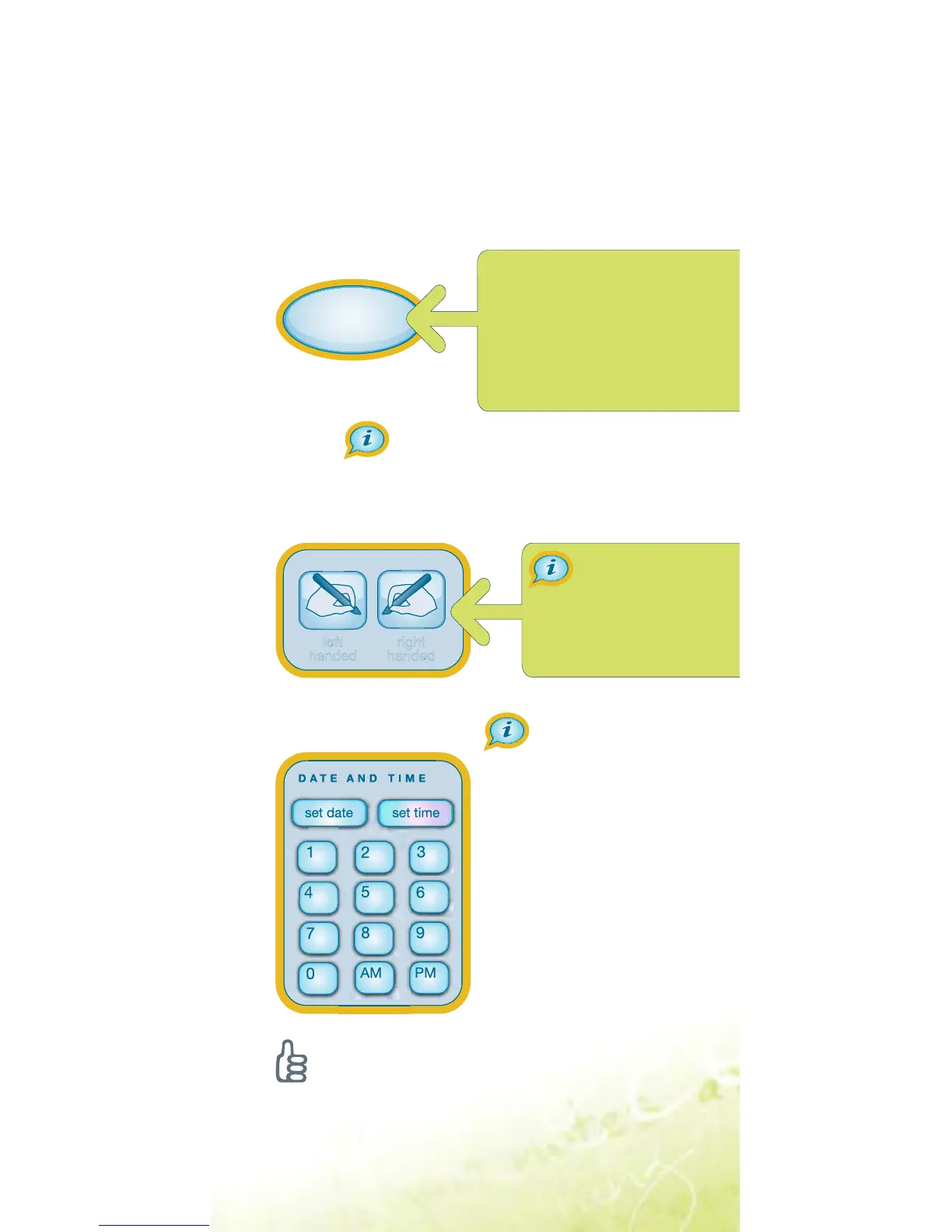
Tap “set date” with your 1.
smartpen, then tap
numbers to set the date.
Example: tapping 041510
sets to the April 15, 2010.
Tap “set time”, then
2.
enter the time.
Example: 1218PM sets
the time to 12:18 PM.
The printed buttons in this guide really
work! Use your Echo smartpen to tap
within the orange framed areas below.
It’s important to set the time and date on your Echo
smartpen because your recorded notes are time-
stamped with the date and time they are created.
Tip:
Tap the buttons in this guide with the tip
of your smartpen to hear additional information.
Display orientation
Tap a button to set
your screen orientation.
Tap to choose your locale,
then tap a second time to
confirm. To further customize
settings, navigate to the
Settings menu with the Nav
Plus control.
English Page 2
LS_Echo_EFIGS_GSG_P2_01



 To Next Page