7
Using your Dual Channel TENS Digital Pain Reliever
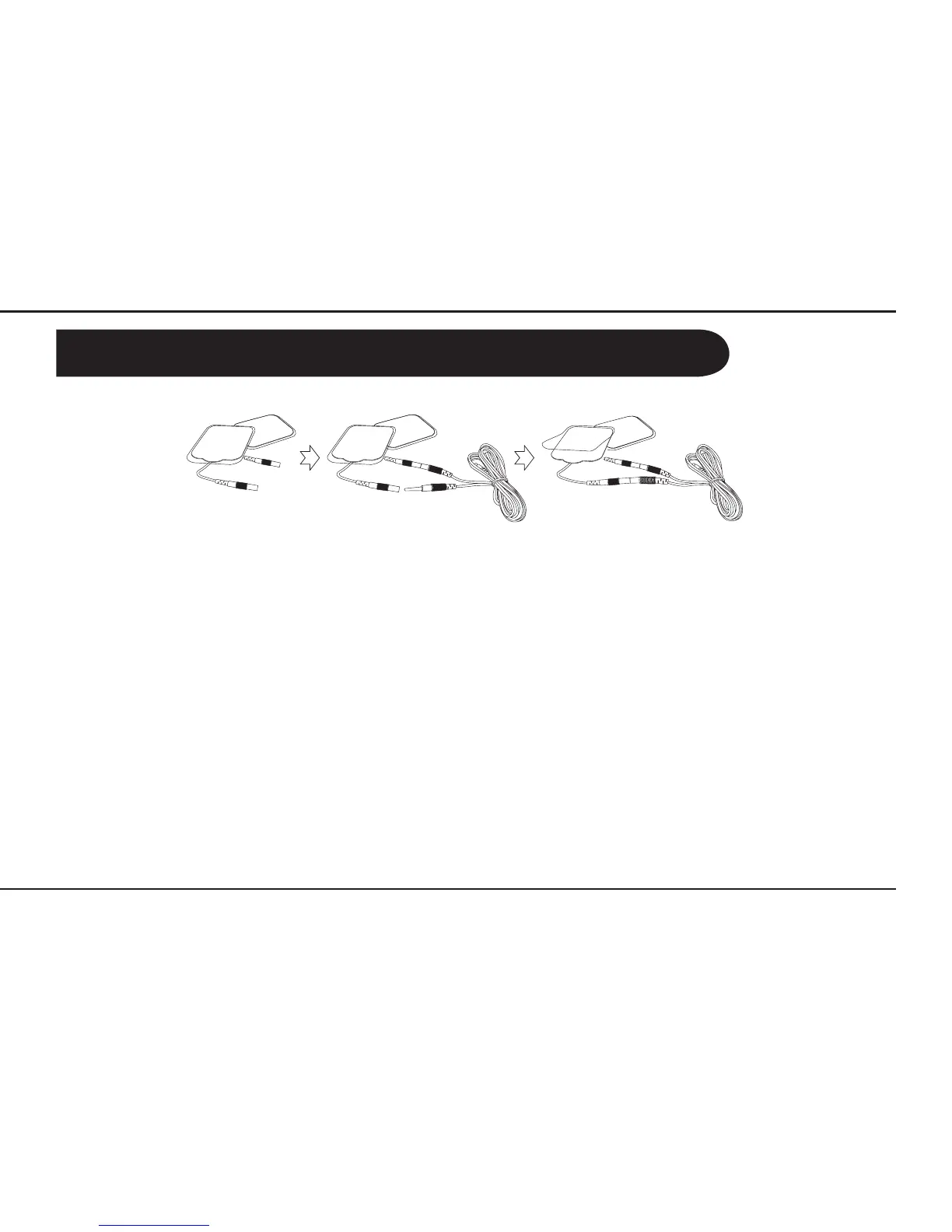
How to connect the gel pads to the output cable:
Please note:
Each gel pad is pre-fixed with a cord-socket and protected by a transparent film.
Conn
ect the output cable
via the cord-socket. Remove the layer of film
and place that side of gel pad to the skin. Press to ensure adhesion.
Preparation before using the unit
1. This unit requires 4 x AAA batteries (not included).
2. To insert/replace batteries, remove the battery compartment cover at the back of the unit and
insert the batteries, observing correct polarity. Replace the battery compartment cover securely.
3. Attach the gel pads to the output cables and insert into the respective sockets, channel A and
channel B.
4. Attach the gel pads to the area of pain. Please read section ‘Ge
l Pad Positioning’ carefully to understand
where to place the pads.
• Never stick the gel pads to each other.
• K
eep the gel pads clean and do not expose to heat or direct sunlight.
• If the gel pads do not attach or are dirty, wipe with a damp, lint free cloth or replace with new ones.
Do not clean the pad or
adhesive gels with any chemical. Replacement pads are available
from your
local Lloydspharmacy.
• Place the pads on intact skin only. Do not place on cuts or damaged skin.
• The unit should only be used on one person at a time.
• Replace the transparent film on the gel pads when not in use.
IMPORTANT NOTE: When removing the gel pads from the skin, peel off from one corner of the gel pad.
DO NOT pull the cord-socket or cable to remove.



 To Next Page