10
• Music Selection
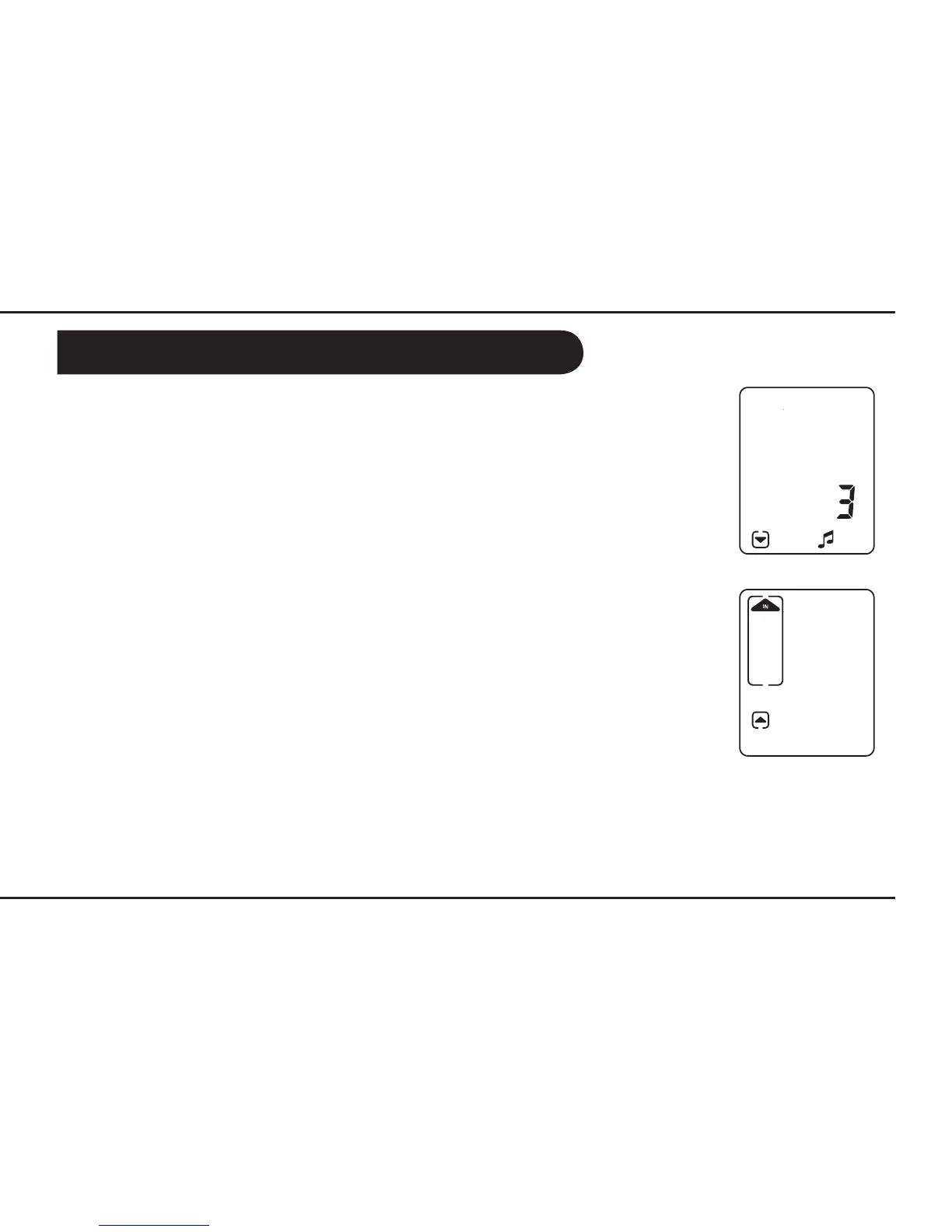
To select a different tune, press the MENU button once. Then press the UP or
DOWN buttons to select your preferred tune. The tune icon and the selected
tune number will appear on the screen. You have 3 tunes to choose from.
• Breathing Indication Arrow
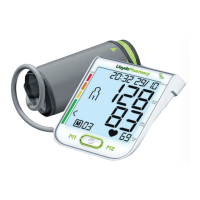
The breathing indication arrows show when to breathe in and when to breathe
out. By default these are set to on, but can be switched off if you find them to be
a distraction. To turn the breathing indication arrows on or off, press the MENU
button twice. Then, press the UP button to turn it on and the DOWN button to
turn it off. Your display will change accordingly.
Using the Blood Pressure Lowering System


 To Next Page