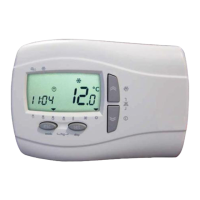
Light Electronic Control DzLCEdz User Manual
Light control manual-ENG-neutro_03.docx Rev. 04 EN 2 / 6
firmware 2.4
Weekly program
For each day of the week it is possible to select between 4 programs:
Program P1: the unit is turned ON in two different time range (for example one in the morning and
one in the afternoon)
Program P2: the unit turned ON in a single time range
Program P3: the unit is turned ON all the day
Program P4: the unit is turned OFF all the day
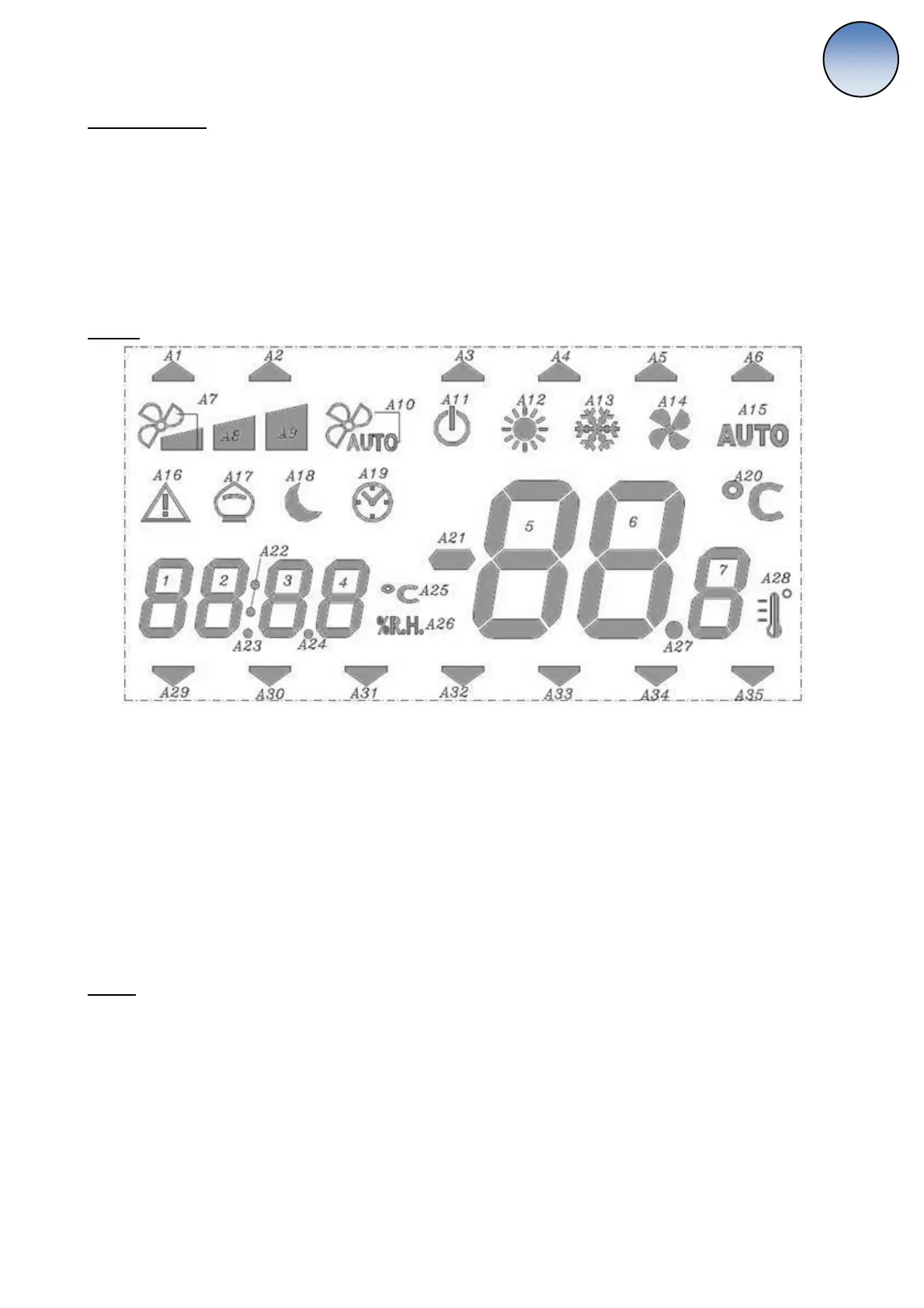
Display
Icons:
A3-A6: Active weekly program
A7-A10: Fan speed
A11: ON: Manual OFF
BLINKING: Weekly program OFF
A12, A13, A15: Working mode / while setting: visualizing set point
A16: ON: active alarm
BLINKING: resettable alarm
A17: Freecooling/Freeheating
A19: Clock time viewing
A29-A35: Day of the week
On-Off
The unit can be turned On-Off in the following way:
Off by digital input, main priority
Off by Remote keyboard:
1) While weekly program is not active, the unit is definitively On/Off
2) While weekly program is active, the unit can be temporarily turned On/Off till next event (in case
of this the active profile led blinks). The set point is the same of the last time range. In case of
blackout the unit restarts with the weekly program activated.
Off by BMS via MODBUS
Off by weekly program


 To Next Page
 Loading...