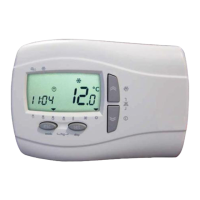
Light Electronic Control DzLCEdz User Manual
Light control manual-ENG-neutro_03.docx Rev. 04 EN 3 / 6
firmware 2.4
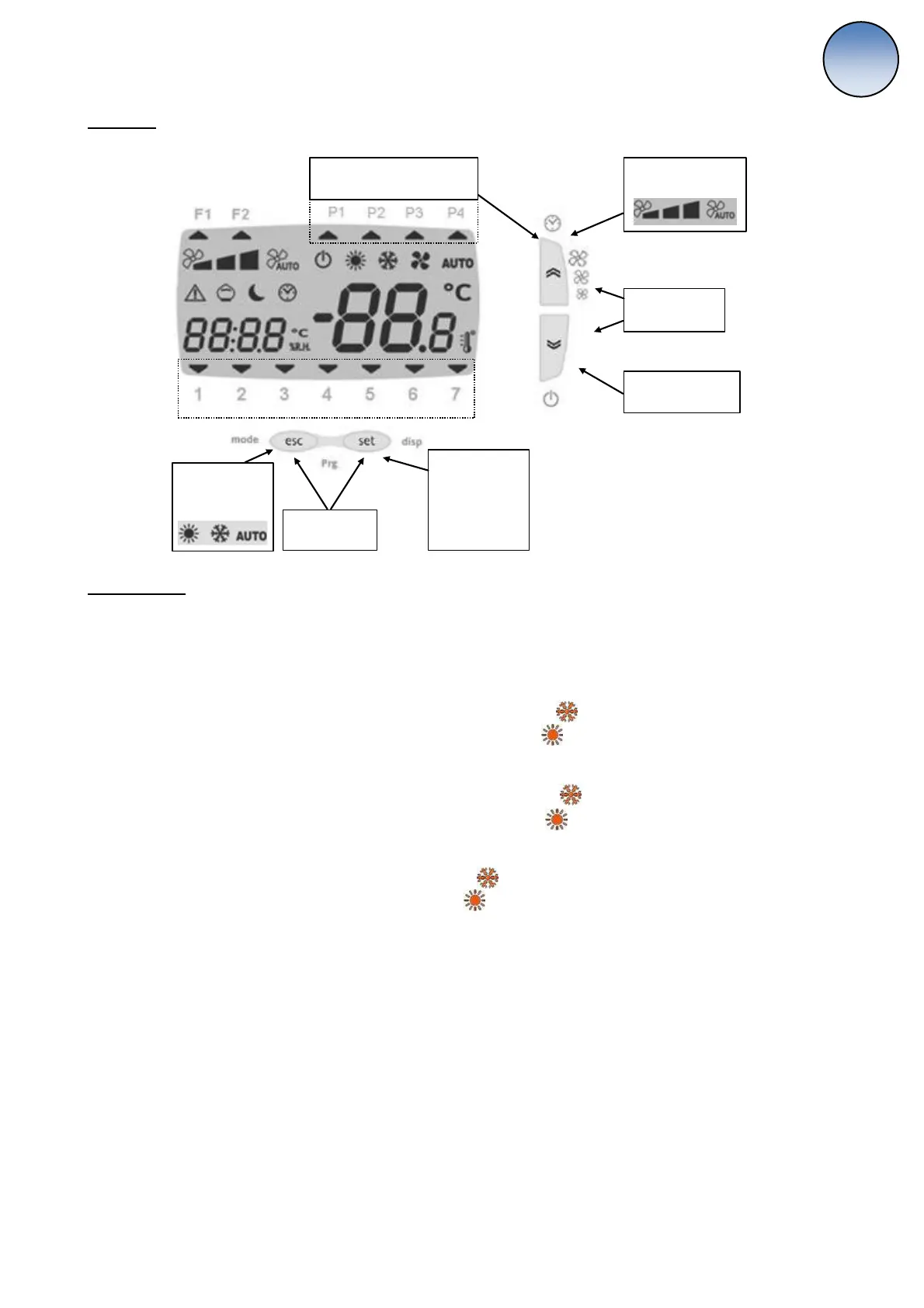
Keyboard
Short press:
Fan speed change
Long press:
Toggle On/Off
Long press :
Enable / disable clock program
Short press:
Setpoint and
alarm menu
Long press:
Actual setpoint
days of the week (1 = Monday)
Long press:
Summer / winter
change
Menu Prg List
Press together utto Es ad “et
Prof: in this section there are the settings for the weekly program
o ST1: start time of1st range of 1
st
program
o EN1: end time of 1
st
range of 1
st
program
o SE1 (summer): set-point of 1
st
range of 1
st
program
o SE1 (winter): set-point of 1
st
range of 1
st
program
o ST2: start time of 2
nd
range of 1
st
program
o EN2: end time of 2
nd
range of 1
st
program
o SE2 (summer): set-point of 2
nd
range of 1
st
program
o SE2 (winter): set point of 2
nd
range of 1
st
program
o ST: start time of 2
nd
program
o END: end time of 2
nd
program
o SET (summer): set-point of 2
nd
program
o SET (winter): set-point of 2
nd
program
Day: i this setio there’s the progra assiget for each day
o Mon: Monday program, possible value
P1 the unit is turned ON in two different time range
P2 the unit turned ON in a single time range
P3 the unit is turned ON all the day
P4 the unit is turned OFF all the day
o Tue: Tuesday program
o Wed: Wednesday program
o Thu: Thursday program
o Fri: Friday program
o Sat: Saturday program
o Sun: Sunday program
Auto: Automatic summer/winter changeover parameters
o SAUT: Fresh air temperature set point for automatic changeover
o dAUT: Season changeover differential


 To Next Page
 Loading...