Light Electronic Control DzLCEdz User Manual
Light control manual-ENG-neutro_03.docx Rev. 04 EN 4 / 6
firmware 2.4
Serv: in this section there is the controller configuration
o PWD: insert service password (1)
o Pcfg: plant configuration
0= 2 pipes system, unique changeover coil
1= 2 pipes system, cooling coil + electric heater
2= 4 pipes system, cooling coil + heating coil
o Rprop: regulation probe
0= supply air sensor
1= display sensor
Menu Set List
Press button Set
Manual summer set-point
Manual winter set-point
Alarm folder:
o Er01: Regulation sensor failure; effects:
The unit is turned off
Automatic reset alarm
o Er02: External air sensor failure; effects:
Free-cooling mode disabled
Automatic reset alarm
o Er03: Display sensor failure; effects:
If Rprop=1 the unit is turned off
If Rprop=0 alarm not shown
o Er04: Dirty filter alarm; effect
None
o Er05: Electric heater over-temperature; effects:
Electric heater disabled
Fan activated
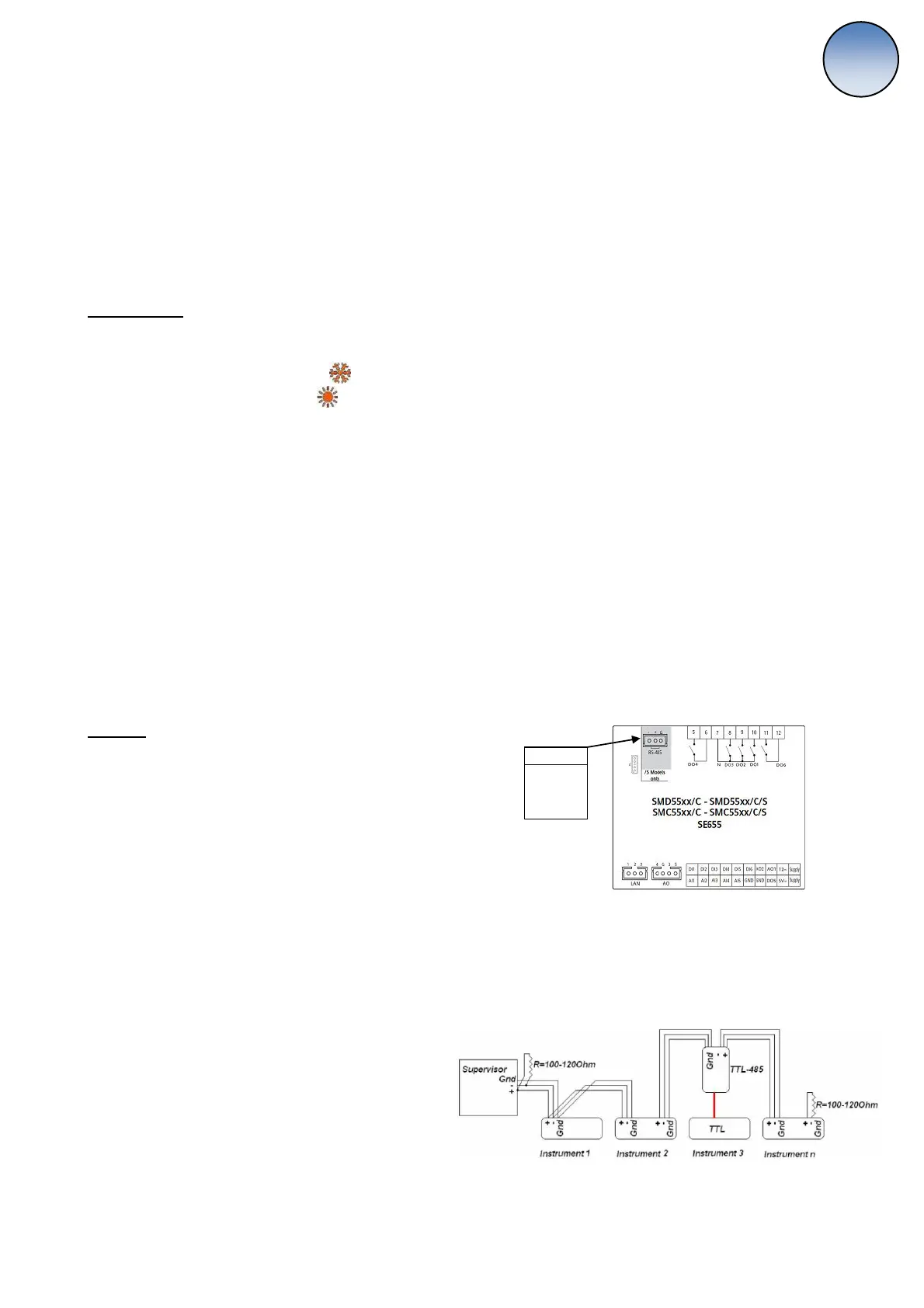
Modbus
Modbus type Holding Register
Read command: 03 (03Hex)
Write command: 16 (10Hex)
To modify the modbus communication protocols do as follows:
connect via Modbus through the RS-485 port with default protocols:
address= 1
baud rate= 9600
parity= EVEN
Word length= 8 (not editable)
Stop bits= 1 (not editable)
modify as you need the protocols writing the following address:
53274= address (1-255)
53275= baud rate
3= 9600 baud (default)
4= 19200 baud
5= 38400 baud
6= 58600 baud
7= 115200 baud
53276= parity
1= EVEN (default)
2= NONE
3= ODD
To activate the changes reboot the controller.
Cable
Gray: GND
White: +
Black: -


 To Next Page
 Loading...