22
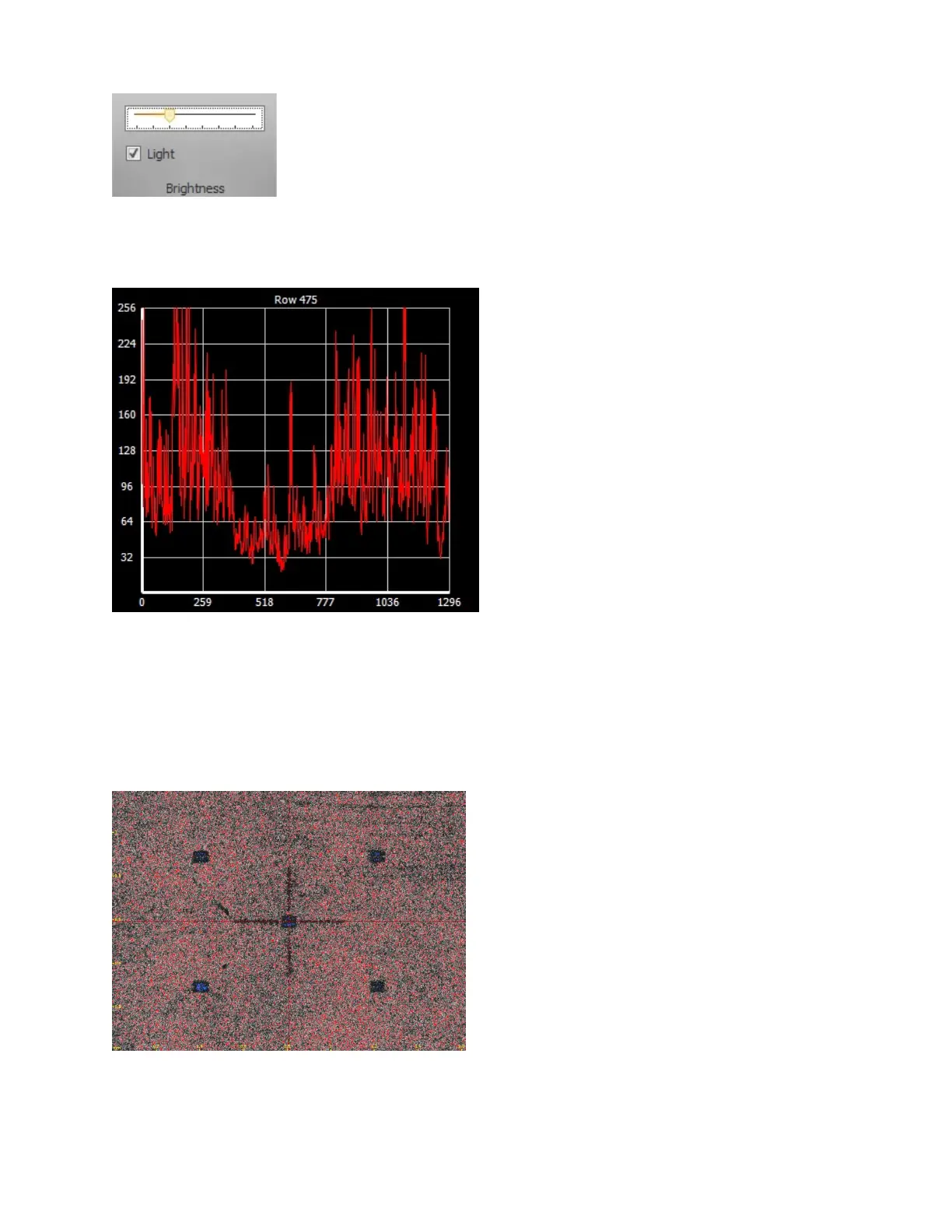
7. Configure the brightness using the slider in the MikroCAD software.
Use the Intensity Profile graph in the software to guide you. Try to set the brightness so
that most of the peaks are below 256 and near the middle of the graph.
If you see no image, see “Troubleshooting” on page 24.
8. Focus the scanner.
To focus the scanner, align the vertical line of the projected cross pattern with the vertical
line of the red cross in the MikroCAD software.
Use the column control box to raise and lower the camera.


 To Next Page