11
SECTION 3.2
3.2 Setting Up the Secure Link Wi-Fi Hub (Continued)
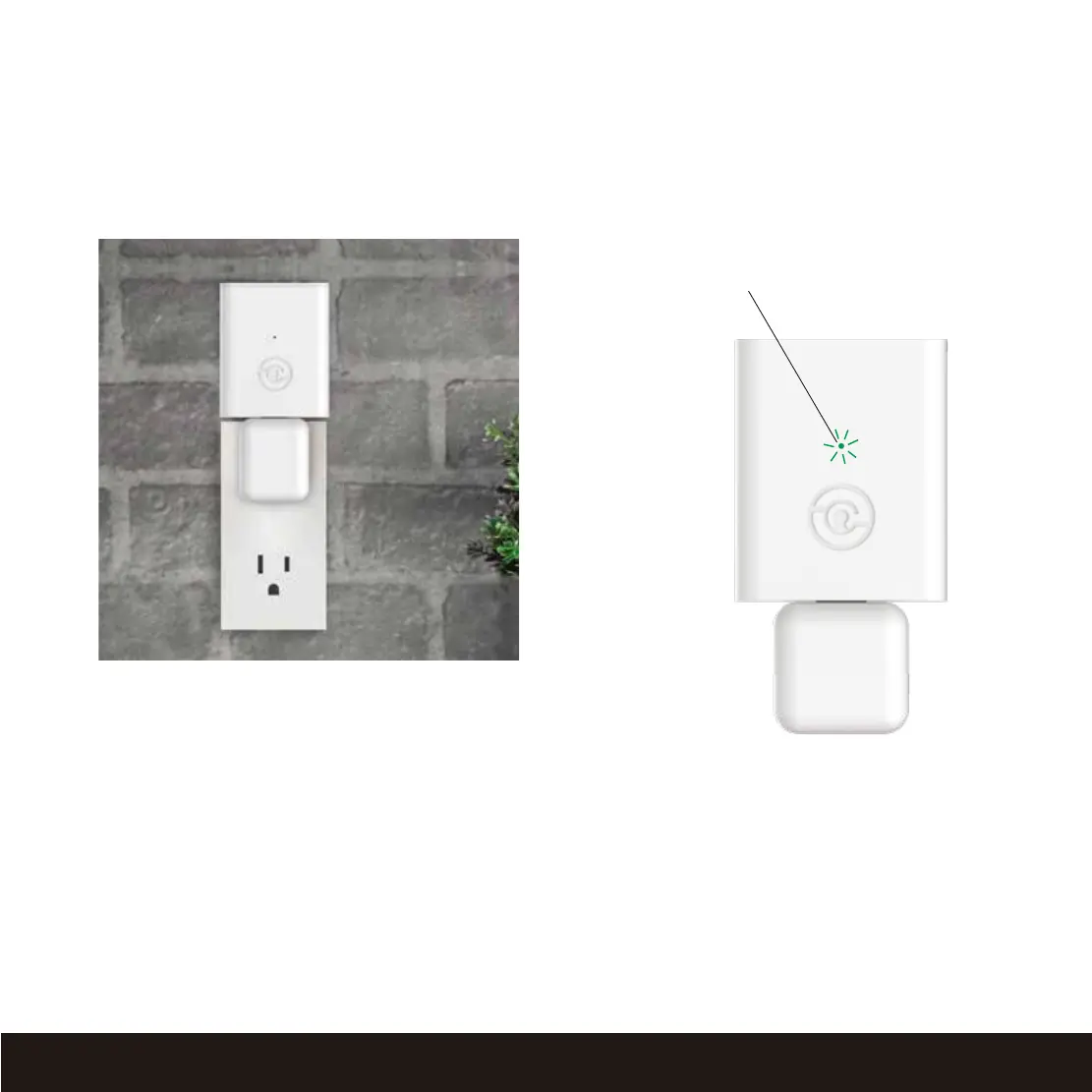
Plug the Secure Link Wi-Fi Hub into the 5V 1A USB AC adapter and plug the AC adapter to your
wall socket.
Once you have confirmed that your Secure Link Wi-Fi Hub is ready to connect to your safe, open
the Lockly App from your smartphone. Make sure you are standing between the Wi-Fi hub and
Lockly Smart Safe, then Add New Device and follow the on screen instructions.
USA Outlet Shown
If your Secure Link is connected to your
wireless network, the LED indicator is SOLID
GREEN.


 To Next Page