SECTION 4.720
4.7 Adding a Fingerprint (Continued)
NOTICE
Please make sure your fingers are clean from dirt and oils before
scanning your fingerprint. Make sure the sensor is also clean by
taking a soft cloth and wiping the surface.
We are using an advanced biometric sensor, providing the most secure fingerprint authentication.
Your Smart Safe can register up to ninety-nine (99) fingerprints. Use the Lockly app to add fingerprints.
Scan your finger by lightly placing your designated finger on the sensor until you hear a beep. Lift
your
finger and repeat the process slowly until the digit “12” shown on the screen becomes “1”. If you
have
successfully scanned and registered your fingerprint, you will hear a long beep, and the LED Indicator will
flash green.
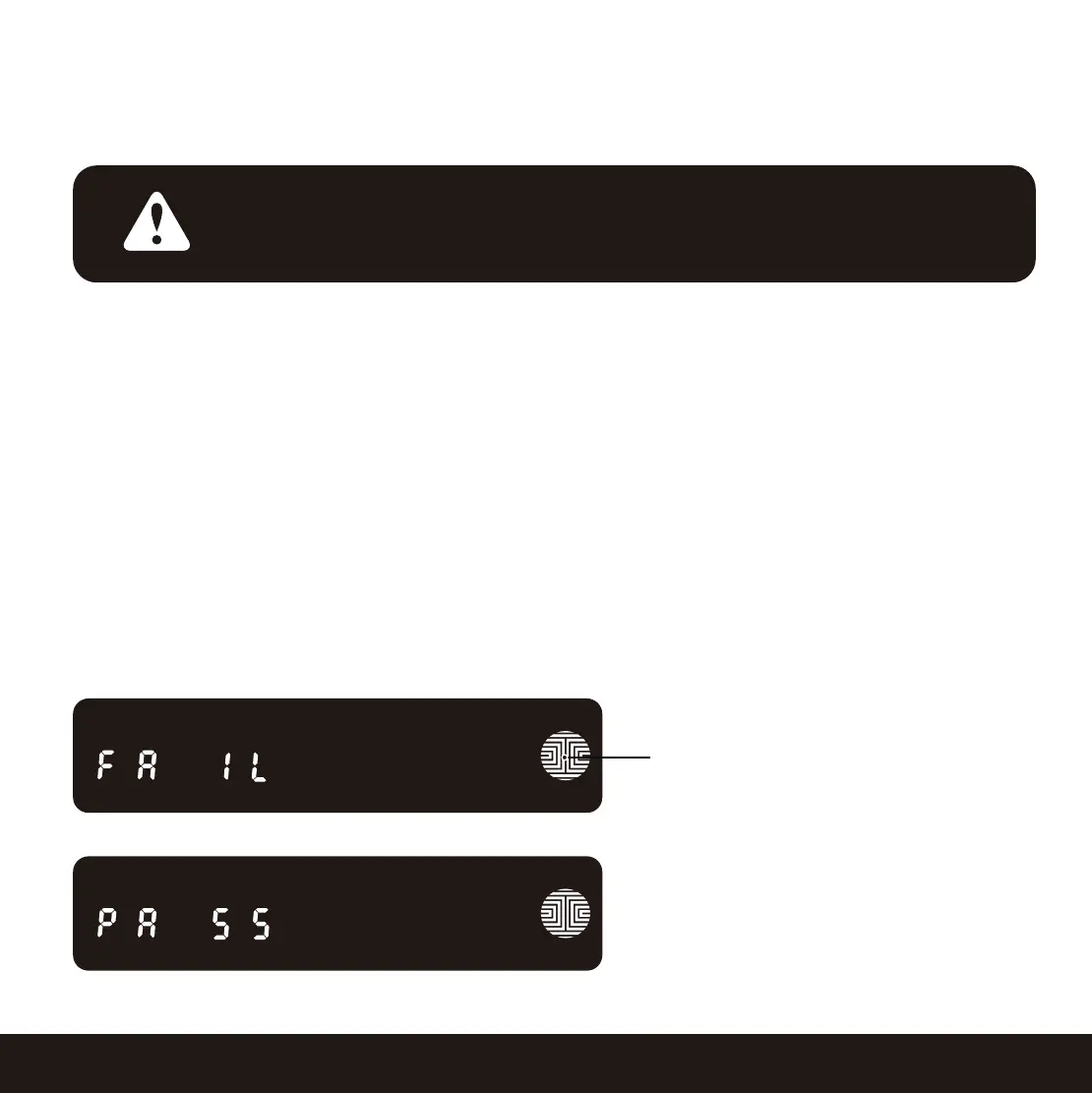
PASS will show on the keypad and press OK to exit. If you did not successfully register your fingerprint,
FAIL will show on the keypad. If FAIL is displayed, use APP to add fingerprint again.
For instructions on scanning an optimal fingerprint, please proceed to Section 4.7.
OK Button


 To Next Page
 Loading...