31SECTION 6.1
The Offline Access Code
™
(OAC) is a unique feature of our Smart Safe. It allows you to grant access
to guests remotely without guests needing to download the app.
To use the OAC feature, make sure you download the Lockly app for iOS or Android
™
first, and sync
your Smart Safe to your mobile device. OAC can only be issued by the administrative owner of the
safe.
From there, you can then issue an Offline Access Code
™
within the app.
Go to “Access” and choose
Offline Access Code User
, then select Add Offline Access Code
™
(OAC)” and follow
on screen instructions to generate your Offline Access Code
™
.
Understanding Offline Access Code
™
(OAC)
OAC are issued to the guest by asking them to enter 4-12 digit number after a double - click on
the
. Your Lockly randomly generates the Offline Access Code
™
which can be shared to your
guests together with the instructions generated using the Lockly app.
6.1 Offline Access Code
™
(OAC)
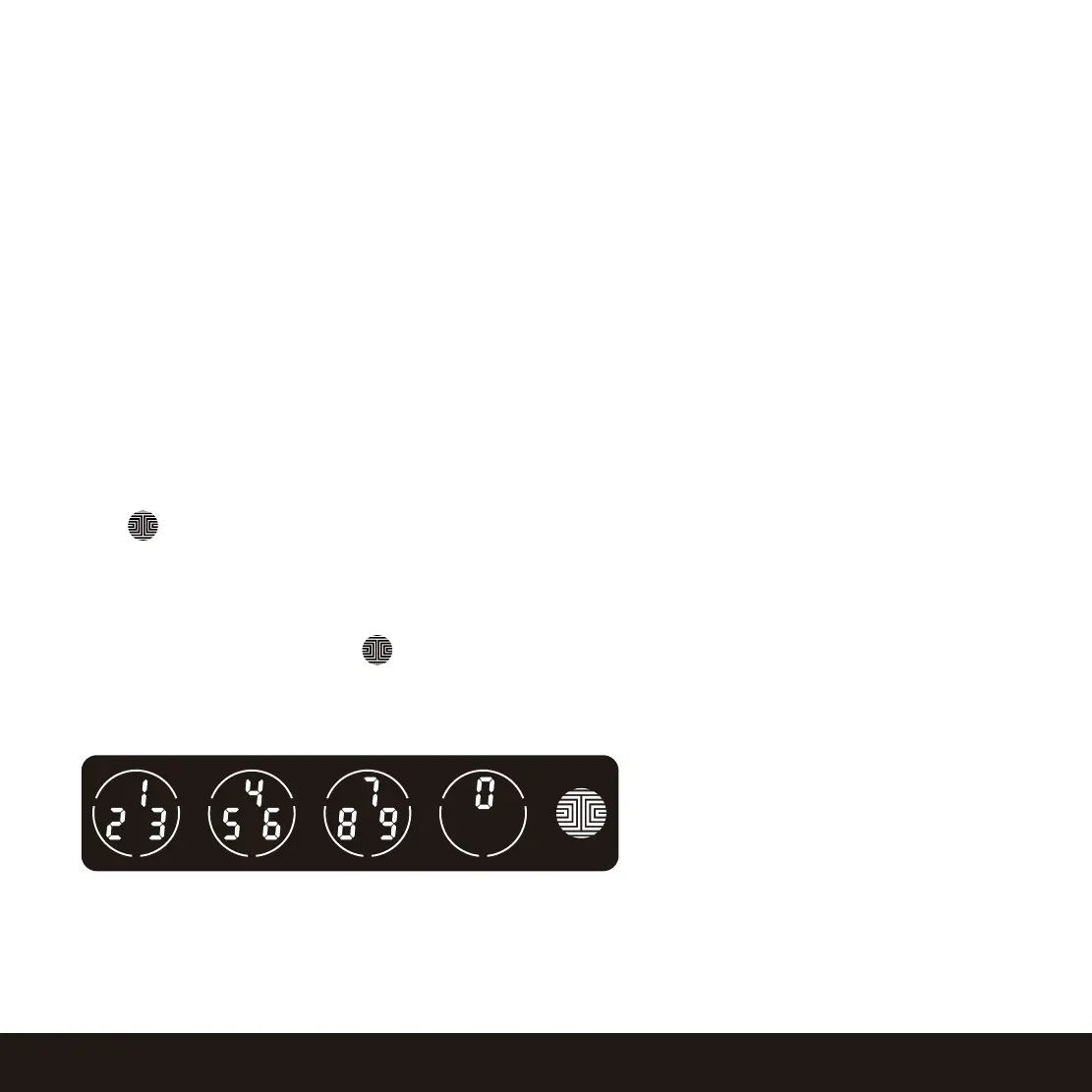
After a double-click on the , touchscreen
will display numbers on Fixed Digit mode, then
guest can enter the Offline Access Code
™
.


 To Next Page
 Loading...