24
2. Opening the TV set
The description uses the TV set Individual 40 Selection LED 200 as an
example.
Pull out the mains plug!
Remove the connecting leads from the TV set.
Remove the short connecting cable between the tuner connections if present.
4MCN@MCQDLNUDSGDRBQDVRHMCHB@SDCAXSGD@QQNVRHMSGDQDKDU@MSÅFTQDR@MC@BBNQCHMFSNSGD35RDSLNCDK
(Proceed in the reverse order to replace the rear panel.)
Procedure
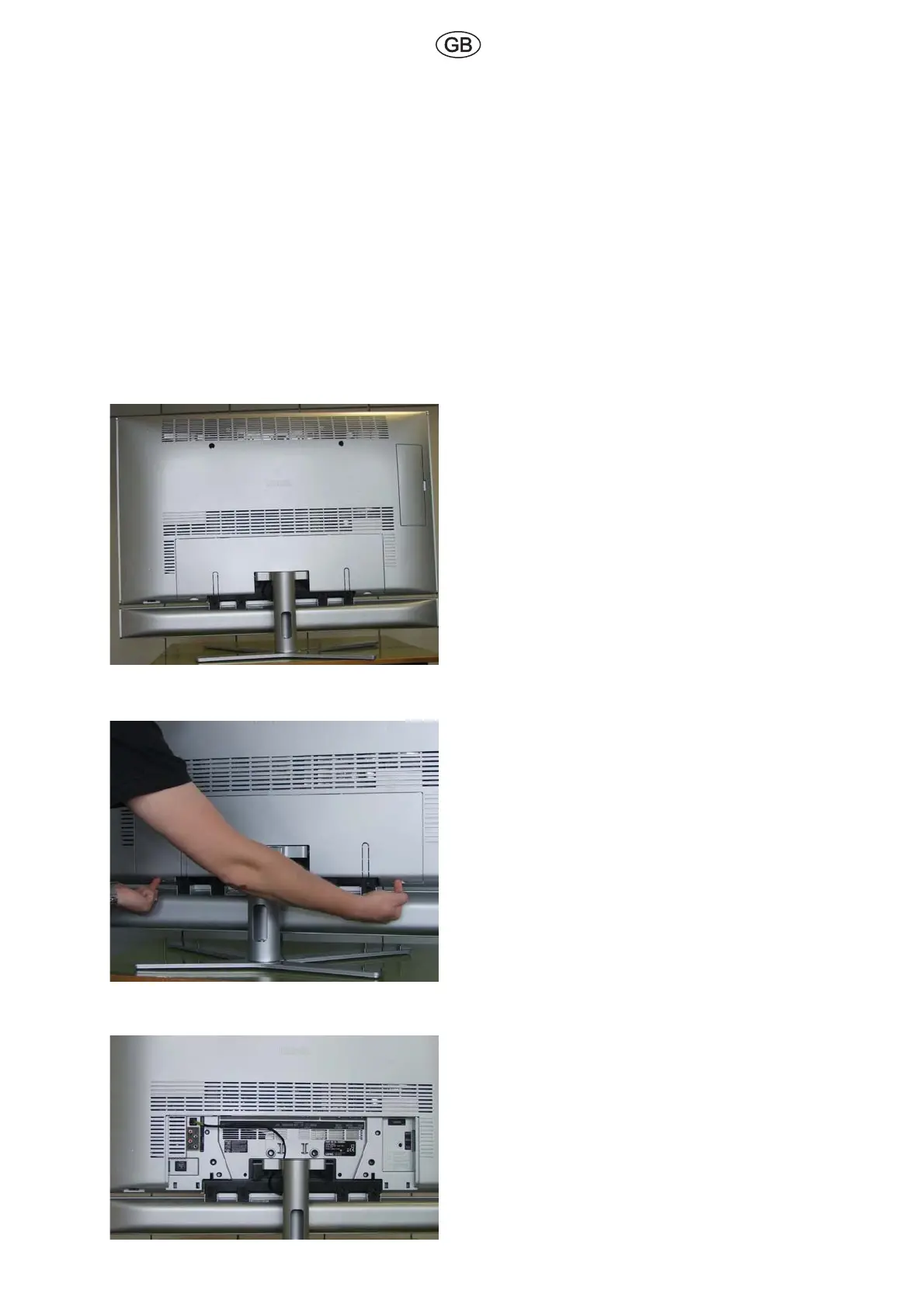
Fig. 2
Position the TV set in a way that every side is
accessible.
Fig. 3
Remove the cable cover from the rear of the
TV set.
Pull back to detach, and remove from below.
Fig. 4
This shows the cable connections with the
cable cover detached



 To Next Page