26
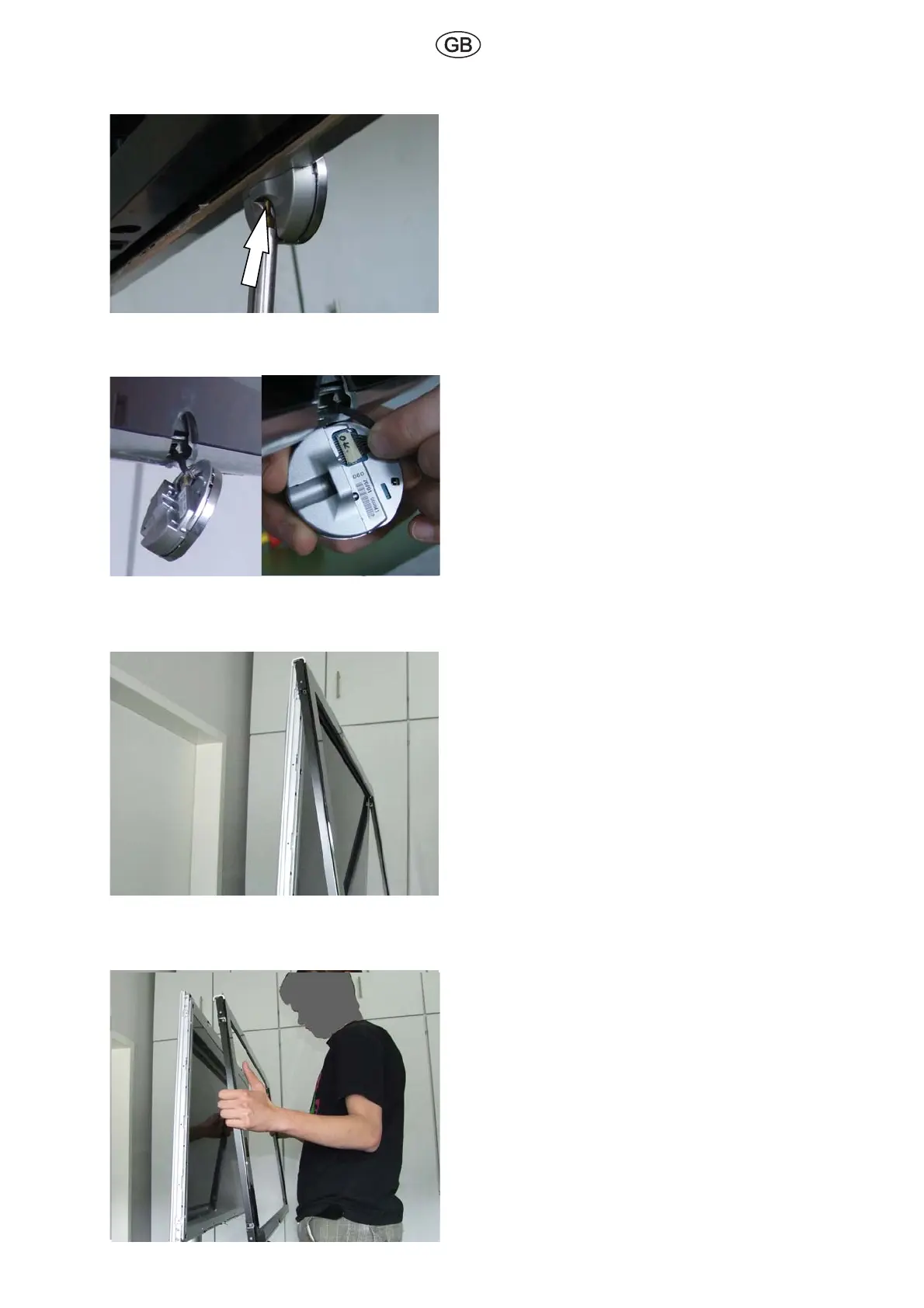
Fig. 8
Remove the screw indicated by the arrow in
ÅF3GDNODQ@SHMFDXD@MCRDSEQNMS@QD
now detachable.
Fig. 9
Detach the cable connected to the operating
DXDÅF
The operating eye can now be removed.
Fig. 10
Take care when handling glass panels!
Remove the set front by lifting upwards and
slightly outwards.
When later reattaching the set front, be
careful not to pinch the operating eye cable.
Route the cable through the opening on the
set front.
Fig. 11
Remove the set front and store it in a safe
place (to prevent damage).



 To Next Page