20
1. Opening the TV set
Described as an example for the TV set:
Individual 32 Selection Sound LED
Pull out the mains plug!
Remove the connecting leads from the TV set.
Remove the short connecting cable between the tuner connections if available.
Loosen and remove the screws marked by arrows in the appropriate sketch according to the TV set model.
(Proceed in the reverse order to replace the rear panel.)
Procedure
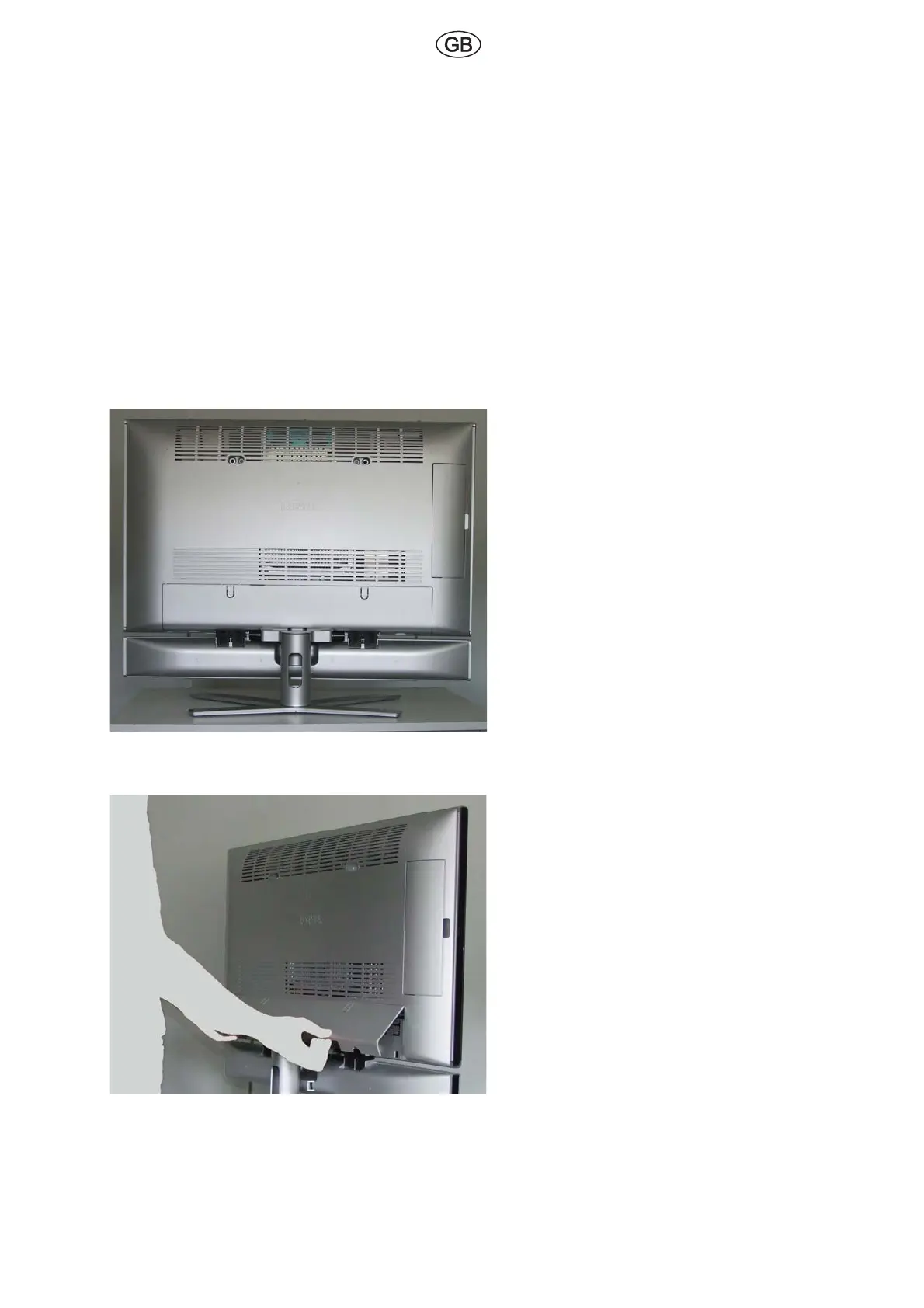
Fig. 1
If possible, position the TV set so that it is accessi-
ble from all sides.
Fig. 2
Remove the cable cover on the rear of the TV set.
Unlatch cover to the rear and remove downwards.
We recommend wearing gloves when handling
the housing parts.
This will prevent impurities.


 To Next Page
 Loading...