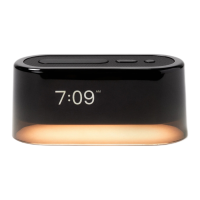
Let’s get you set up!
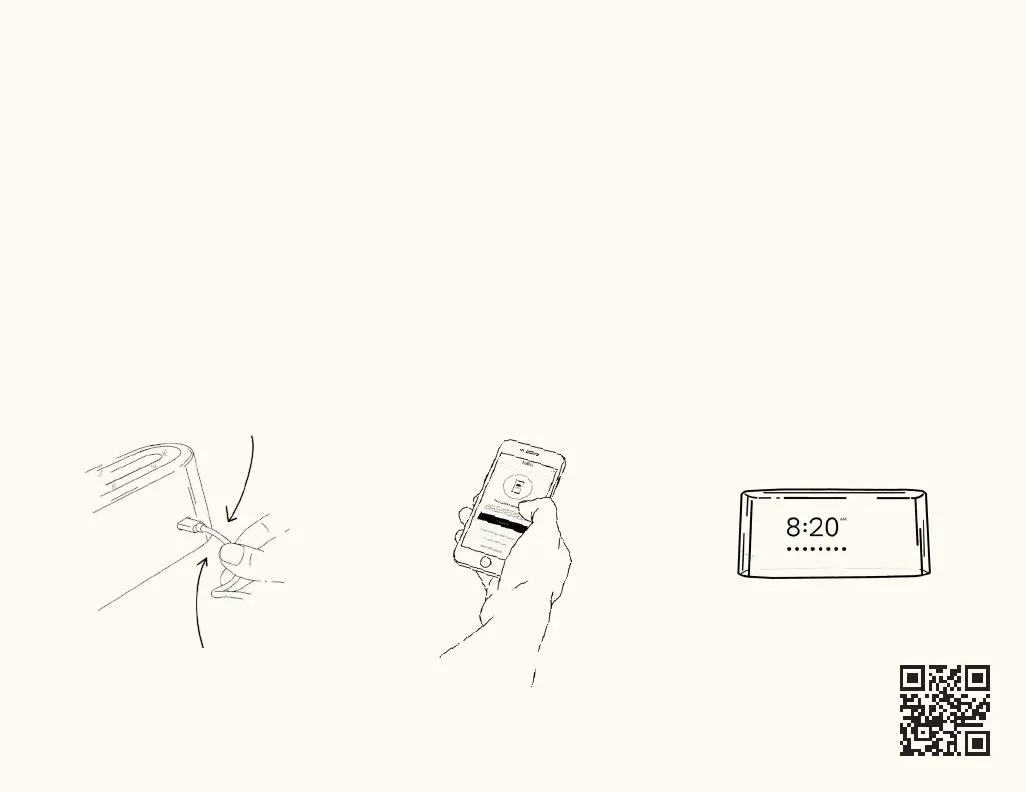
Step 1: Plug in Loftie Clock
We recommend you keep your
Loftie Clock plugged in at all times.
Push it in firmly to make sure your
Loftie Clock is plugged in.
Loftie Clock will turn on
automatically when plugged in.
Step 2: Download the Loftie App
Install the Loftie app from the
Apple App Store or Google Play.
Follow the steps in the app
to connect Loftie Clock to WiFi.
Step 3: Connect Loftie Clock to Wifi
Make sure you have Bluetooth
enabled on your phone and a
2.4ghz WiFi connection available.
After successfully connecting, Loftie
Clock will restart and update to the
latest software, which may take up
to 15 minutes.
Need help? Go to support.byloftie.com
or email us at support@byloftie.com


 To Next Page
 Loading...