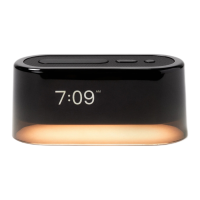
Initial Sounds Sync
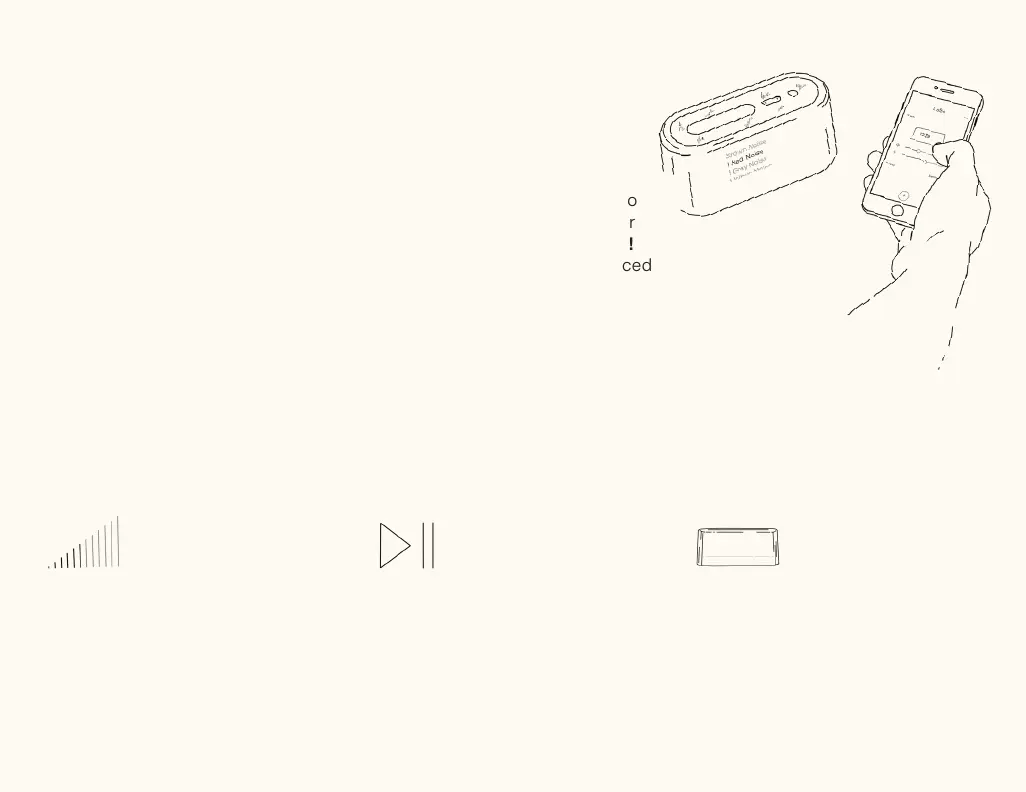
Your Loftie Clock may continue to
download more audio content for
the next few hours. You’ll see an !
next to a track if it is not yet synced
on your device.
An ever-growing sound collection
Updates
The software on your Loftie Clock
is fully updatable! That means new
sounds and features. When a new
update is out, simply restart your
Loftie Clock and the update will
start. Keep an eye on your email to
know when an update is available.
Shortcuts
Volume Shortcut
Hold either arrow button to quickly
adjust the volume level for sounds.
Pause/Play
Click the select button once to
pause or play your current or last
played sound.
Blackout Mode
Hold down the snooze button for a
completely dark sleep environment.
Click any button to turn it back on.


 To Next Page
 Loading...