5
Installation guide
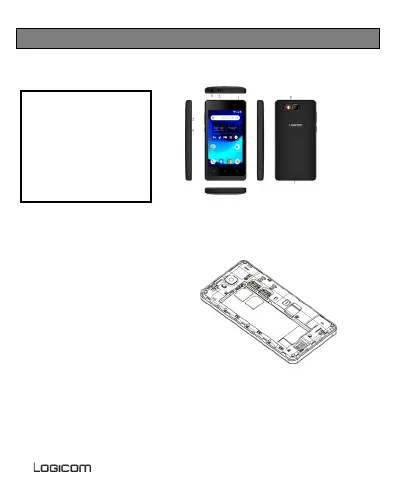
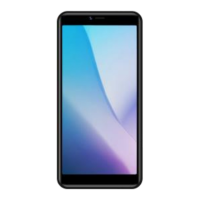
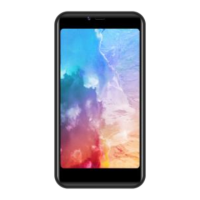
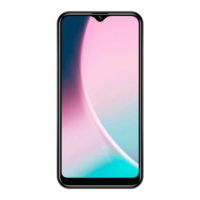
1. Description of the Smartphone.
1 – Front camera
2 – Rear camera & flash
3 – Volume
4 – ON/OFF button
5 – Ja ck
6 – Micro USB port
7 – Speakers
2. Inserting a SIM card
Your Smartphone is a mobile
phone with dual SIM card, which
enables you to use two lines on
the same Smartphone. Your
smartphone has two SIM slots
(SIM 1 and SIM 2 ).
To insert the SIM card(s):
Switch off the phone and
remove the rear cover and
battery.
Insert the SIM card correctly into the relevant card slots. Observe the
direction of insertion of cards, the contacts to the outside.
SIM 1 uses a Micro-SIM card and SIM 2 uses a Micro-SIM ca rd.
Then replace the SIM compartment in place.
3. Inserting a MicroSD


 To Next Page