9
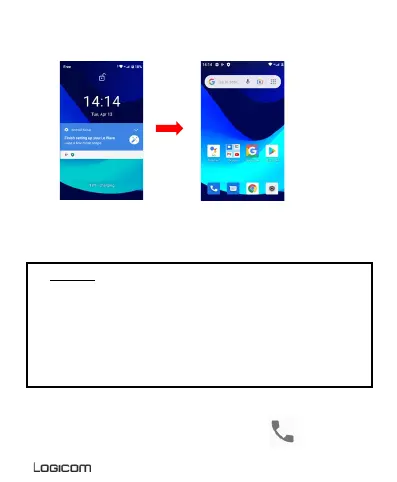
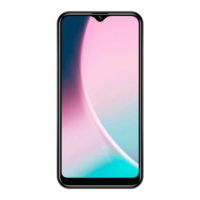
Hold and drag the unlock icon to the right to unlock the device.
CAUTION: Forgetting your screen lock password, PIN code or
pattern permanently blocks your Smartphone
If this is forgotten or lost, the product warranty will not cover
such an oversight. Even a “reset” cannot solve the problem.
As a precaution, take a note of your password or pattern.
PASSWORD: _________________
4. Receiving a call
When a call is received, slide your finger over the ico n.


 To Next Page