9
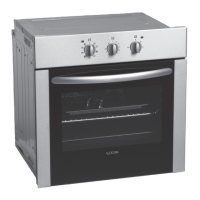
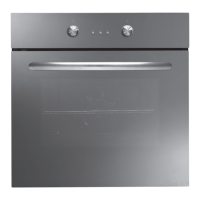
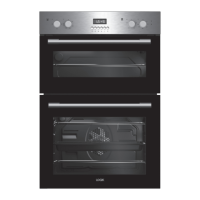
* All images are for indication only; please refer to your individual unit for actual item.
Installing the Built-in Oven
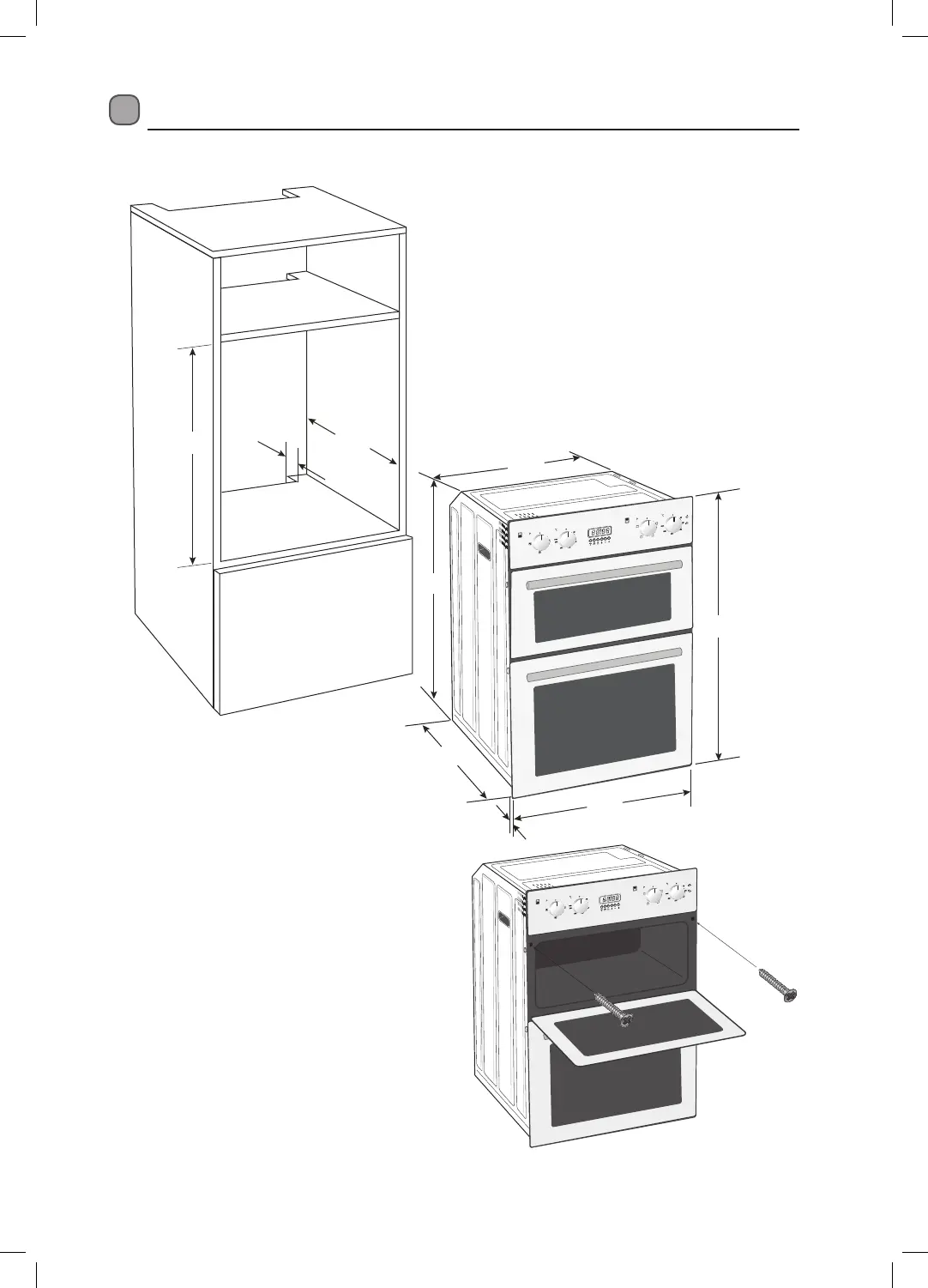
1. The space where the oven will be placed needs to be at least 600mm wide, 550mm deep and 880mm high.
2. Ensure the electrical connections have been
made.
3. Insert the oven into the cabinet by pushing it
back into the space within the cabinet. Take
care not to trap or kink the mains lead. Open
the Top oven door and insert the screws into
the holes located on the oven frame, tighten
the screws.
35
550
880
555
865
567
20
594
890
A
P
U
T
O
A
P
U
T
O
LBIDOX16_IB.indd 9 27/07/2016 13:18


 To Next Page