- 4 -
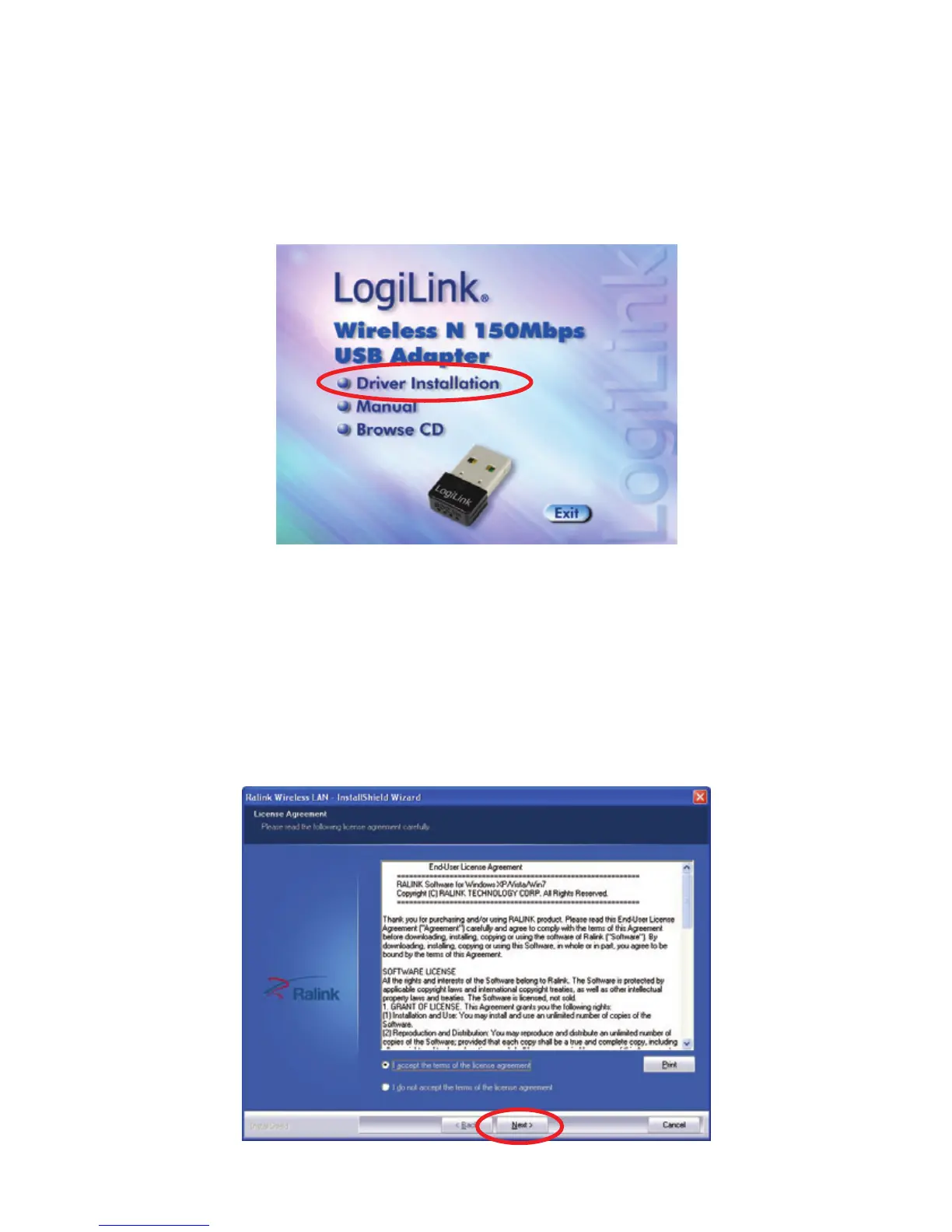
3. Please insert the AUTORUN CD into your CD-ROM drive.
The CD should auto-start, displaying the following window. If it
does not start, click on Start-Run and type in CD:
\autorun.exe (where CD is the drive letter of your CD-ROM
drive.) Click "Driver Installation".
For Windows 7 / Vista User only
For Security reasons Windows 7 / Vista requires the installer
program to have administrator privileges so the new policy called
"User Account Control" has been introduced in Windows 7 /
Vista. If UAC is enabled Windows pops up a window "User
Account Control" Windows need your permission to continue.
User needs to Click "Yes / Allow" to proceed with the installation.



 To Next Page