- 3 -
3.0 Installation
The following instructions will guide
you to through the process of
installing the Wireless USB
Adapter.
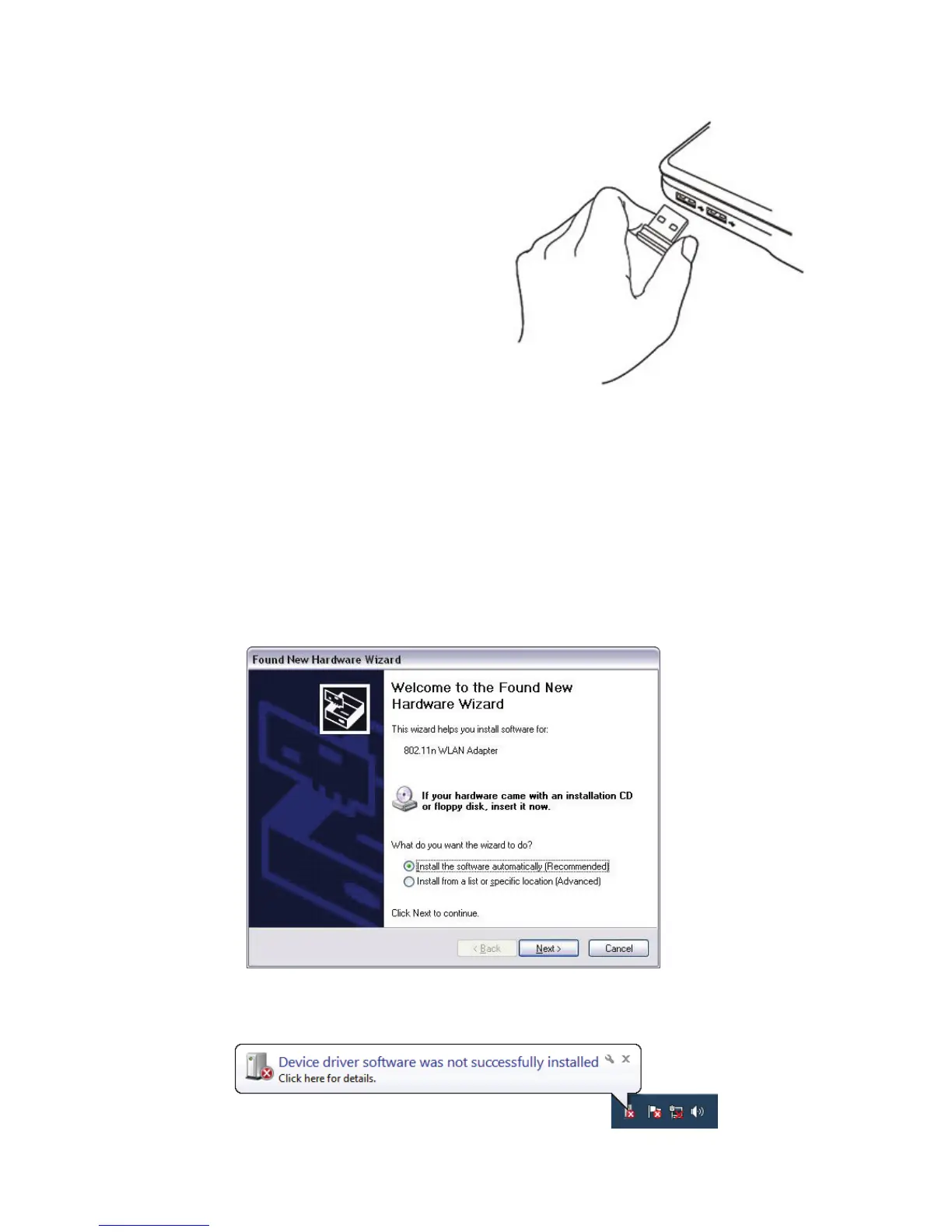
1. Insert the Wireless N USB
Adapter into an empty USB 2.0
port of your computer when
computer is switched on. Never use force to insert the card, if
you feel it’s stuck, flip the card over and try again.
2. Once USB dongle connected to computer, Windows will
detect that new hardware has been added, and start the
"Found New Hardware". Click on "Cancel" to continue.
For Windows XP
For Windows 7



 To Next Page