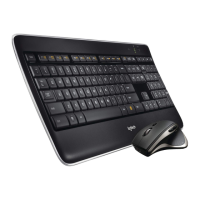
Logitech Solar Keyboard Folio
English 9
Connecting to a dierent iPad
1. Make sure the Keyboard Folio is in
the typing position.
2. Check that your iPad’s Bluetooth
feature is on. Select Settings > General >
Bluetooth > On.
3. Press the Bluetooth Connect Button.
The Keyboard Folio is discoverable
for 3 min.
4. Select “Logitech Solar KB folio”
on the iPad’s Devices menu.
5. If your iPad requests a PIN, enter
the code using the Keyboard Folio
and not your iPad’s virtual keyboard.
After the Bluetooth connection is made,
the Status light briefly turns green.
6. Place the new iPad in the iPad tray.



 To Next Page