
 Need help?
Do you have a question about the Logitech G FLIGHT THROTTLE QUADRANT and is the answer not in the manual?
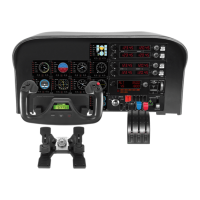
Detachable knobs for configuring throttle, flaps, mixture, or prop pitch.
Smooth-travel levers with a 0 button detent for precise control.
Instructions for downloading and installing the necessary drivers for the throttle quadrant.
Steps for installing the Logitech software, including the Profile Editor option.
Information on checking for and installing the latest driver and programming software updates.
Guidance on setting up the controller within flight simulation games.
 General
| Product Type | Flight Throttle Quadrant |
|---|---|
| Brand | Logitech |
| Model | G FLIGHT THROTTLE QUADRANT |
| Connectivity | USB |
| Compatibility | PC |
| Number of Axis | 3 |
| Buttons | 6 |
| Throttle Control | Yes |
| Number of Levers | 3 |
| Operating System | Windows 7, 10 |

 To Next Page