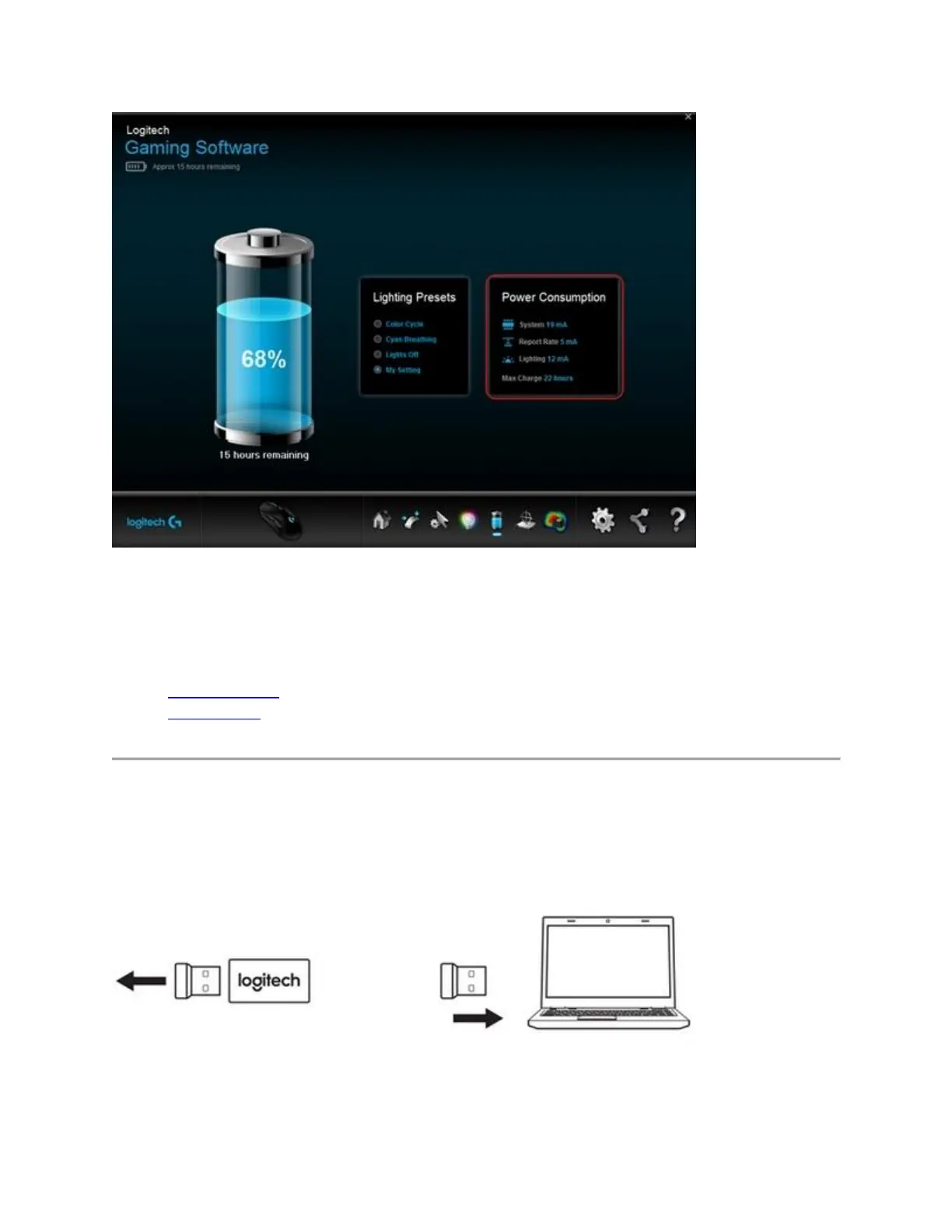
+Connect the G403 or G703 wireless gaming mouse to a computer
Your gaming mouse can function in both wireless and wired modes:
Wireless mode
Wired mode
Wireless mode
Your G403 or G703 uses a USB gaming receiver to relay wireless signals from the mouse to
your computer. To optimize the wireless connection, plug one end of the cable into your
computer and the other into the USB adapter and receiver. You can also plug the receiver
directly into your computer.














 To Next Page