4 ENGLISH
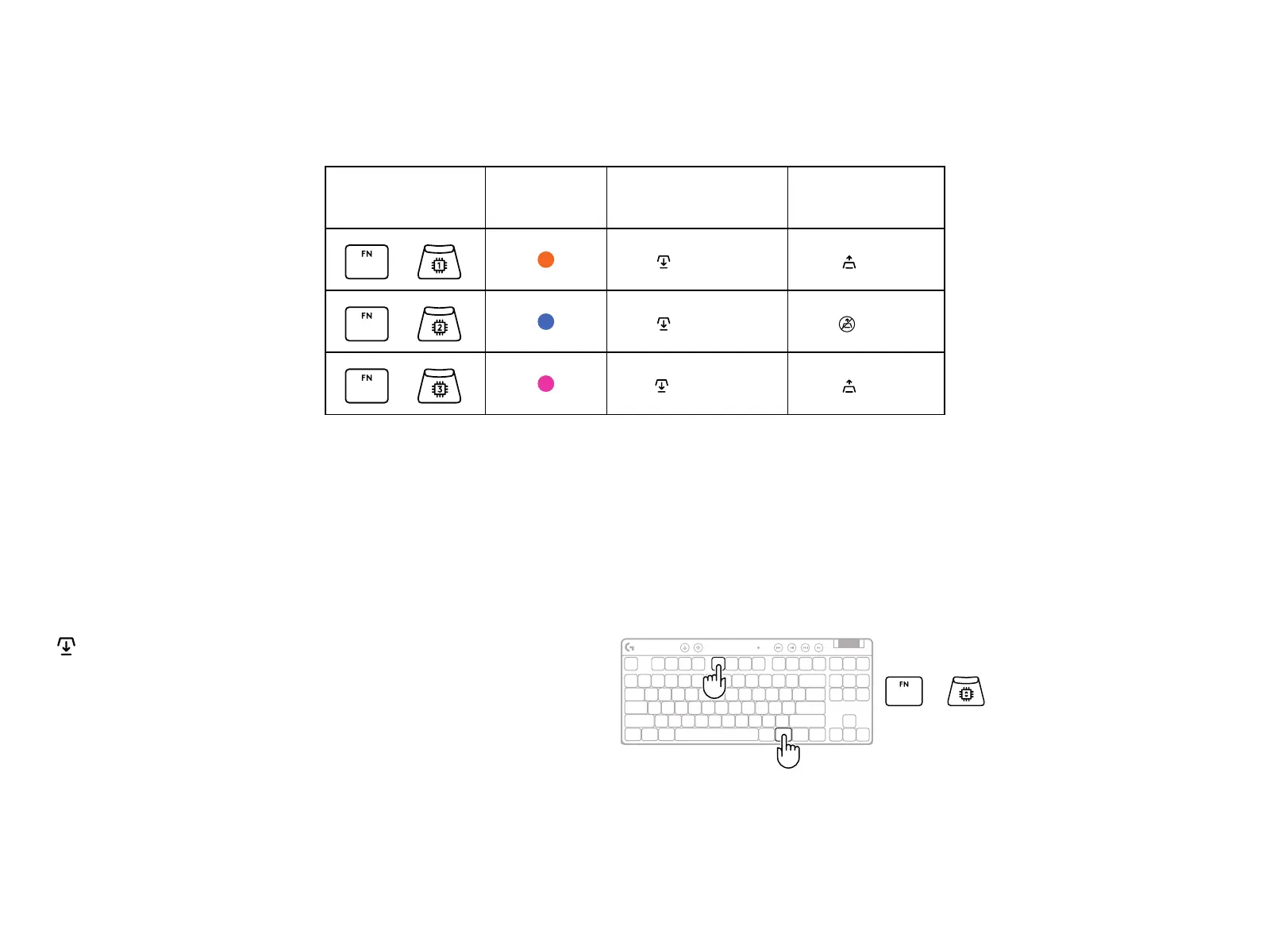
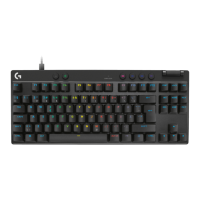
PRO X TKL RAPID ships with three onboard proles pre-congured with dierent analog
actuation point and Rapid Trigger settings. These can be selected by holding the FN key
and selecting F2 (Prole 1), F3 (Prole 2), or F4 (Prole 3).
Selection LED color Actuation Point Rapid Trigger
+
1.0 mm ON
+
1.0 mm OFF
+
2.0 mm ON
PRO X TKL RAPID also features a Customizable Analog Prole that can be selected
byholding the FN key and pressing F5. It can be congured on-the-y with no soware
required. Follow the below instructions to modify the actuation point for all keys in
the Customizable Analog Prole.
Quick Actuation Point Adjustment
Activate the customizable analog prole.
1
+
FN
F5


 To Next Page