5 ENGLISH
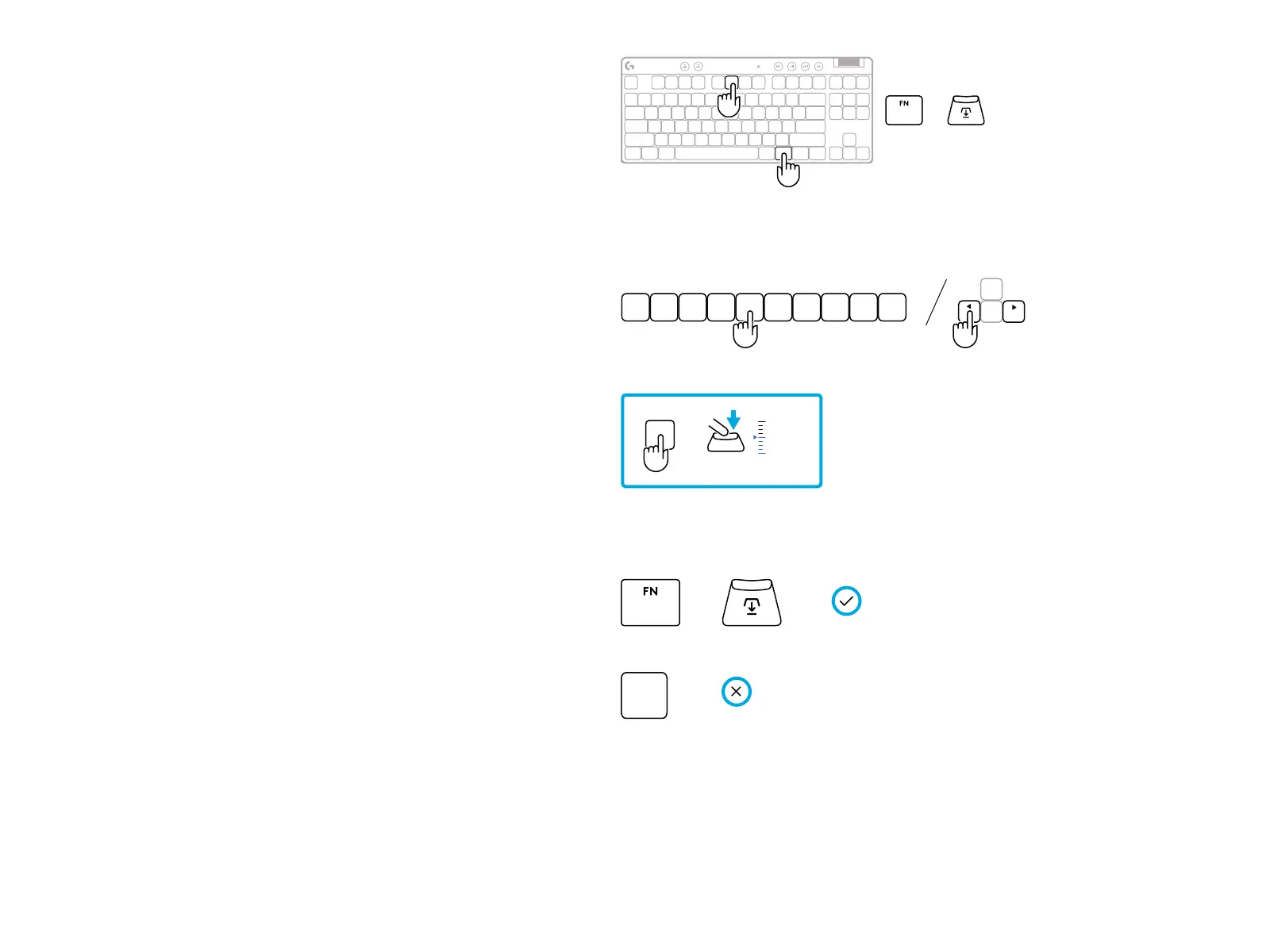
Enter actuation point adjustment mode.
2
3
Use arrow keys to increase or decrease the actuation
point. You can also directly select the value you want
by pressing the appropriate number (e.g. “4” for 1.5mm).
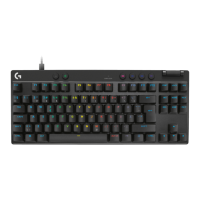
Press any alphabet key to test the current
actuation setting. The number keys will light up
from le to right to indicate how much pressure
isneeded to fully actuate a key.
FN
F6
+
5
4 6 7 8 9 0321
0.1 0.5 1.0 1.5 2.0 2.4 2.8 3.2 3.6 4.0 mm
4
Exit and save changes to the customizable analog prole.
Exit without saving changes to the customizable
analog prole.
To congure individual keys, or to congure actuation point
values in steps of 0.1 mm, download and use G HUB soware
(www.logitechg.com/ghub)
=
0.1 mm
4.0 mm
G
+
=
ESC
=


 To Next Page