Logitech® Bluetooth® Audio Adapter
7 English
Reconnecting a Bluetooth device
Logitech Bluetooth Audio Adapter will reconnect automatically to the latest
connected device.
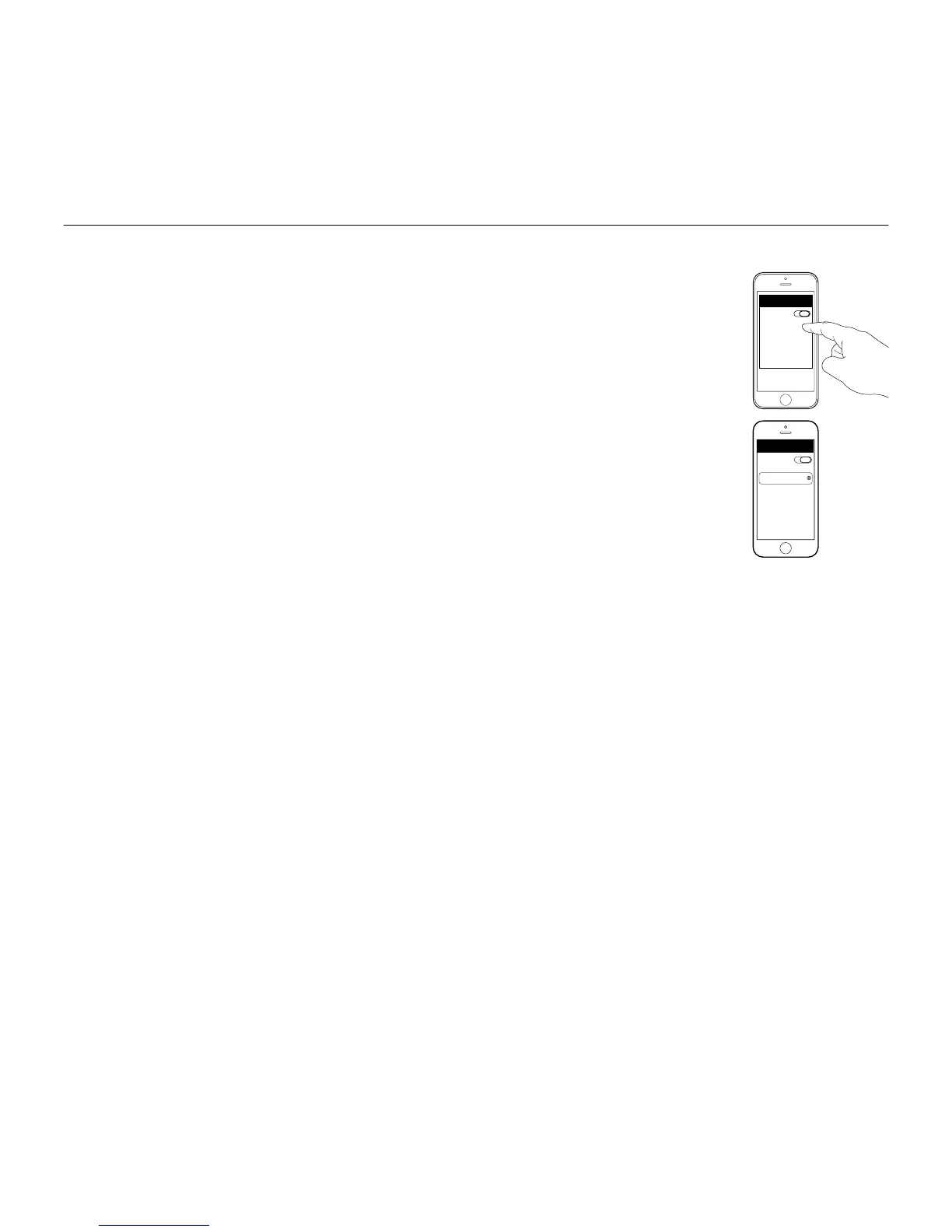
If you are not using the latest connected device and you want to reconnect
to Logitech Bluetooth Audio Adapter, you need to select Logitech Bluetooth
Audio Adapter in your Bluetooth device list on your device (1). You are then
connected again to Logitech Bluetooth Adapter and can stream music again
from your device (2).
Add devices
Logitech Bluetooth Audio Adapter can store up to eight Bluetooth devices
in its memory (Two devices can connect simultaneously).
For setting-up each device, follow the set-up instructions.


 To Next Page