Français 21
Logitech
®
WebcamC160
Premiers pas avec les appels vidéo
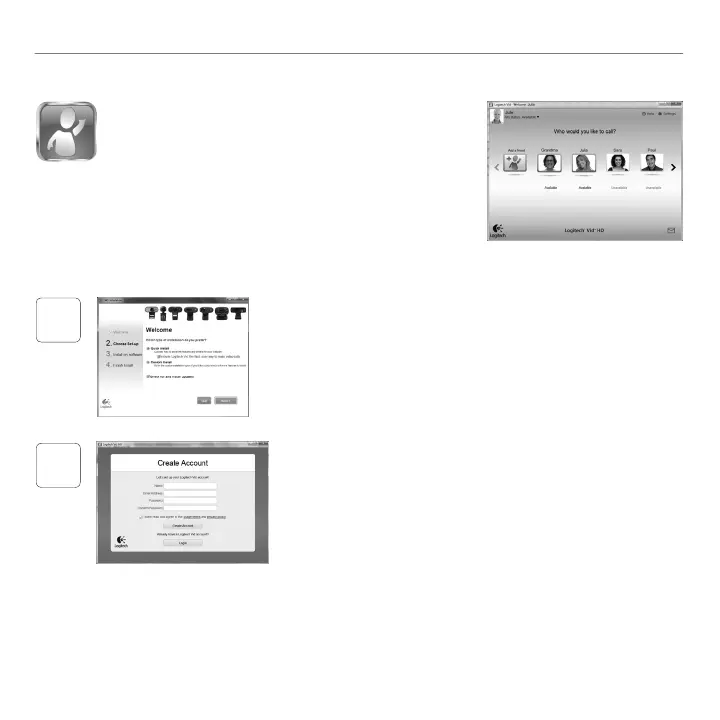
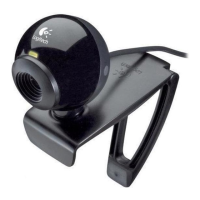
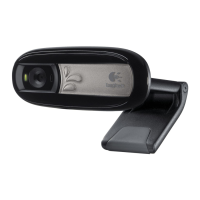
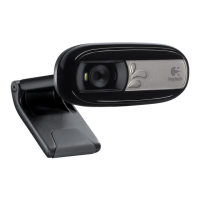
Votre caméra Web est livrée avec Logitech® Vid™ HD.
GrâceàLogitechVidHD,ilsuftdesuivrequelquesétapes
simplespourpouvoirpasserdesappelsvidéoendirectpar
Internet:
InstallationdeLogitechVidHD•
Créationd'uncompte•
Ajoutd'amisetréalisationd'unappelvidéo•
Pourensavoirplus: http://www.logitech.com/whatisvid
1
Conguration de Logitech Vid HD
Installation de Logitech Vid HD
Ilestrecommandéd'installeràlafoislelogicieldecaméraWeb
LogitechetLogitechVidHD.
Conseil: Sivoussouhaitezutiliseruneautreapplicationd'appelsvidéo,
vousdeveztéléchargeretinstallerunlogicieltiers.
Pourensavoirplus:http://www.logitech.com/webcam_howto
2
Création d'un compte
Suivezlesinstructionsàl'écranpourcréervotrecompteLogitechVidHD
etpourcongurerlafonctiond'appelvidéodevotrecaméraWeb.
Pourpasserdesappelsvidéoavecn'importequelleapplication,vouset
lapersonnequireçoitvotreappeldevezdisposerdesélémentssuivants:
unecaméraWeb•
uneconnexionInternethaut•
débit(parexemple,ADSL,T1
oucâble)
lamêmeapplication•
d'appelsvidéo(parexemple,
LogitechVidHD)
descomptespourappels•
vidéo
unordinateuréquipé•
d'haut-parleursetun
microphone(ouuncasque
avecmicrophone;laplupart
descamérasWebLogitech
possèdentunmicrophone
intégré)



 To Next Page