English 9
Logitech
®
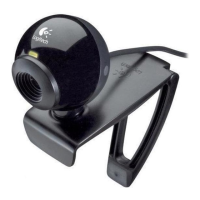
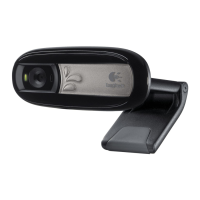
WebcamC160
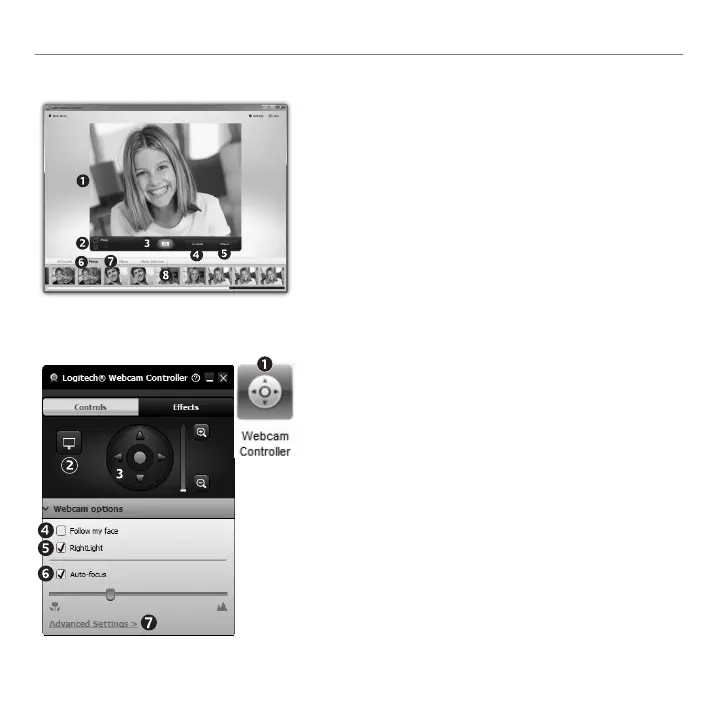
Capturing video and snapping pictures
QuickCaptureallowsyoutotakephotosorrecordvideoseasily.
Youhaveeasyaccesstowebcamcontrolsandsettingsaswell
asvideoeffectstopersonalizeyourimagesandrecordings.
Previewwindow1.
Capturemode:photo/2.
video
Capturebutton3.
Webcamcontrols4.
Videoeffectsandfun5.
lters(forwebcamsthat
supportthisfeature)
Photothumbnails6.
Videohumbnails7.
Clickathumb-nailtoenter8.
thegallery
Fine tuning your webcam during a video call
Launchthewebcam1.
controllerwhenonavideo
call.
Hideyourvideoimage2.
withaphotowhileyour
webcamstaysconnected.
Usepanandtilttondthe3.
bestangle.
UseFaceTrackingsoyou’re4.
alwaysinthepicture.
Correctforpoorlighting5.
environmentsusing
RightLight.
Choosebetweenauto-or6.
manualfocusforwebcams
thatsupportthisfeature.
Specifywebcamoperating7.
characteristics.
Tip: Notallwebcammodels
offerallofthese
webcamcontrols.



 To Next Page