10 English
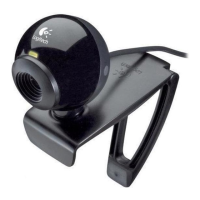
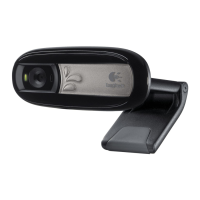
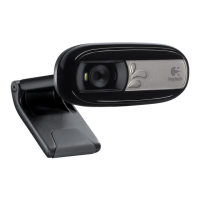
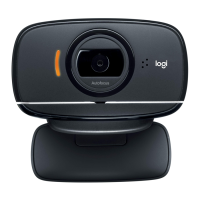
Logitech Webcam C160
Get more applications for your webcam
Download and install additional applications
for your webcam, like video calling, photo
and video editing, and other value-added
programs.
Getting help
Click on the help icon to access a complete user manual,
or watch how-to videos that show you how to get the
most out of your Logitech webcam and software.
Tip: If you are not sure about a feature, click the help
icon, and our manual will open to the right place.
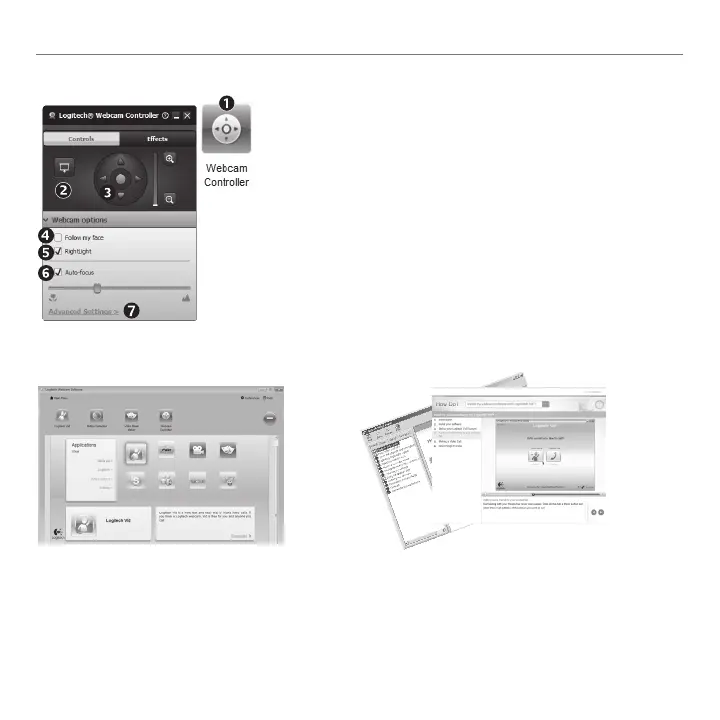
Fine tuning your webcam during a video call
1. Launch the webcam controller
when on a video call.
2. Hide your video image with
a photo while your webcam
stays connected.
3. Usepanandtilttondthe
best angle.
4. Use Face Tracking so you’re
always in the picture.
5. Correct for poor lighting
environments using RightLight.
6. Choose between auto- or
manual focus for webcams that
support this feature.
7. Specify webcam operating
characteristics.
Tip: Not all webcam models offer
all of these webcam controls.



 To Next Page