8 English
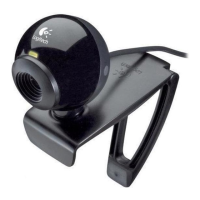
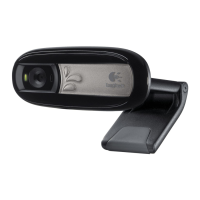
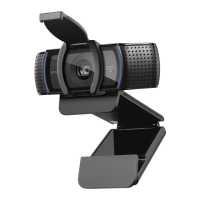
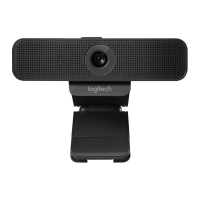
Logitech Webcam C160
Navigating the Logitech Webcam Software
1. Capture pictures and videos
2. View captured images and
share via e-mail, Facebook,® or
YouTube®.
3. An area for easy access to
your installed webcam- related
applications
4. Launch Logitech Vid HD
(if installed)
5. Capture videos triggered by
detected motion
6. Control your video effects and
webcam while on a video call
7. Download additional webcam
applications
8. Change webcams (when you
have more than one)
9. Open Logitech Webcam
Software settings
10. Open help dashboard
(manuals and how-to videos)



 To Next Page