English 11
Logitech
®
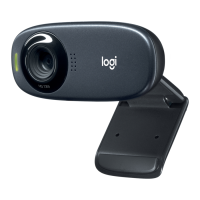
HDWebcamC310
Finetuningyourwebcamduringavideocall
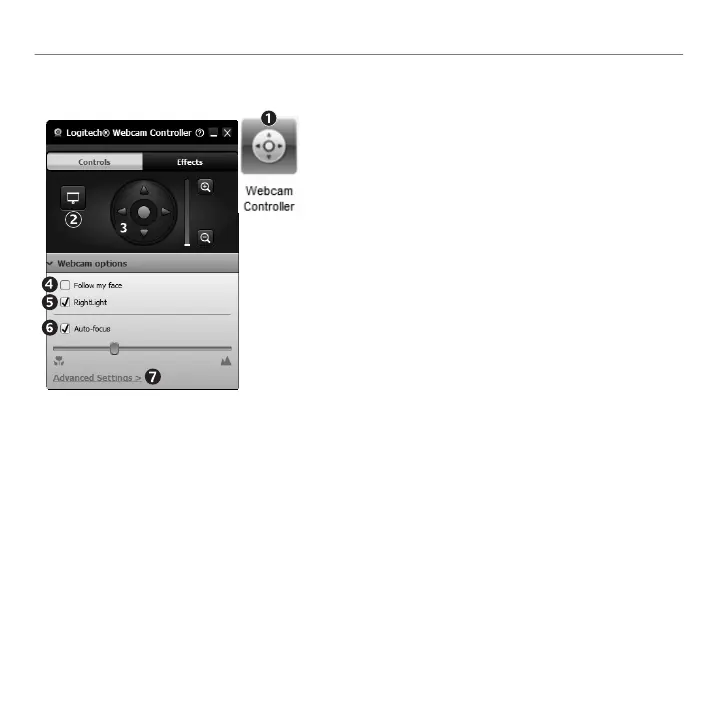
Launchthewebcamcontrollerwhenonavideocall 1.
Hideyourvideoimagewithaphotowhileyour2.
webcamstaysconnected
Usepanandtilttondthebestangle 3.
UseFaceTrackingsoyou’realwaysinthepicture 4.
Correctforpoorlightingenvironmentsusing5.
RightLight
Choosebetweenauto-ormanualfocusforwebcams6.
thatsupportthisfeature
Specifywebcamoperatingcharacteristics 7.
Tip:Notallwebcammodelsofferallofthesewebcam
controls


 To Next Page