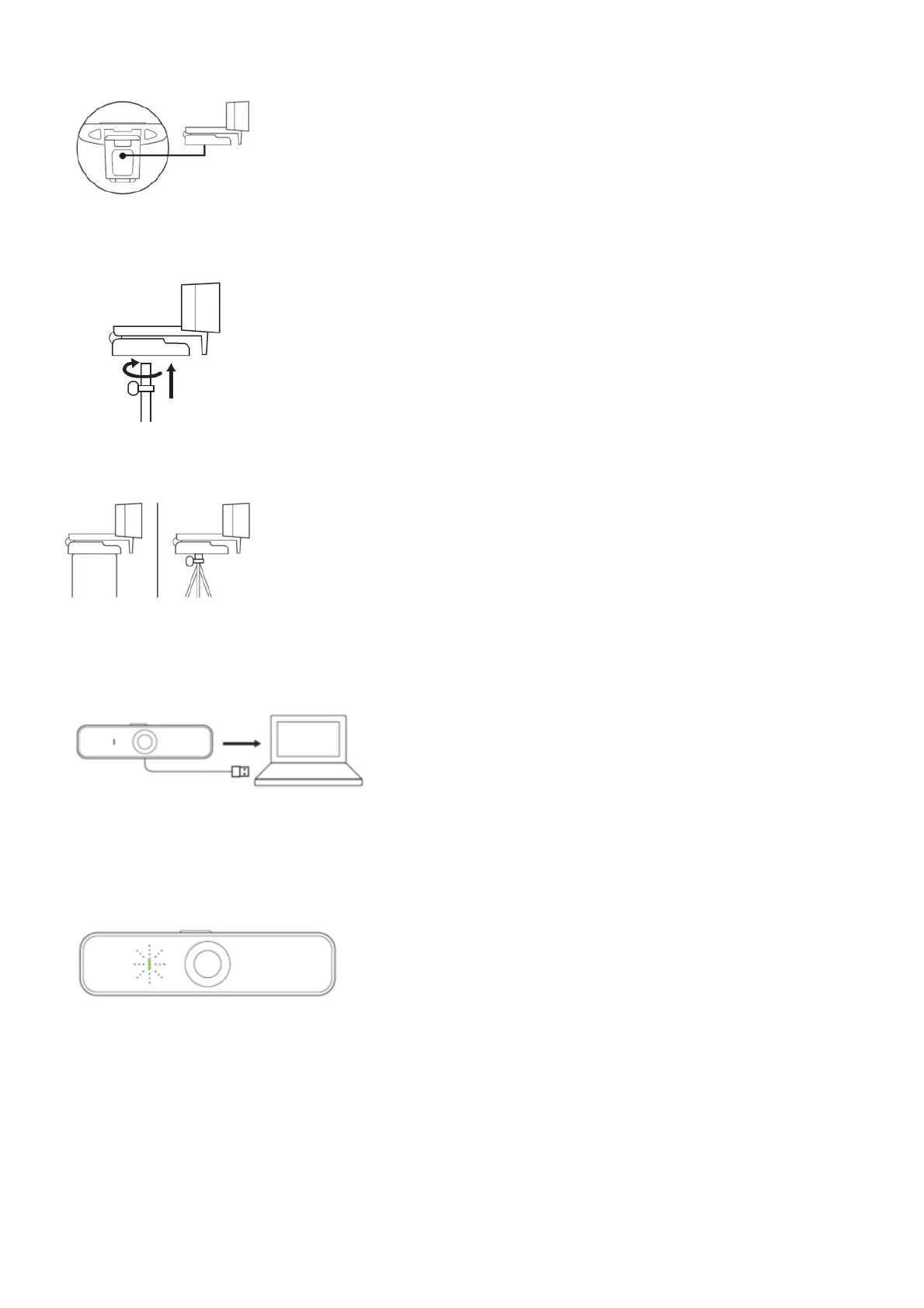
1. Locate the ¼ inch tripod thread on the bottom of the universal mounting clip.
2. Secure the webcam on your tripod by twisting it into the ¼ inch thread.
3. Place your webcam with the tripod anywhere you desire to the best position to frame yourself.
CONNECTING THE WEBCAM VIA USB-A
Plug the USB-A connector into the USB-A port on your computer.
SUCCESSFUL CONNECTION
LED activity light will light up when the webcam is in use by an application.
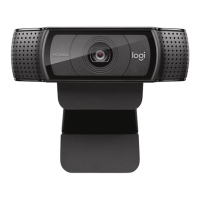
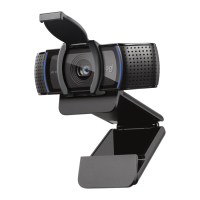
DIMENSIONS
INCLUDING FIXED MOUNTING CLIP:
Height x Width x Depth:
2.9 in (73 mm) x 5.0 in (126 mm) x 1.8 in (45 mm)
Cable Length: 6 ft (1.83 m)
Weight: 6.0 oz (170 g)





 To Next Page