Need help?
Do you have a question about the Logitech G430 and is the answer not in the manual?
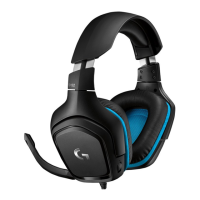
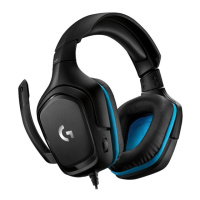
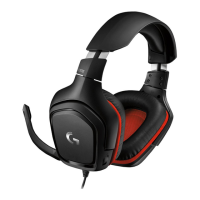
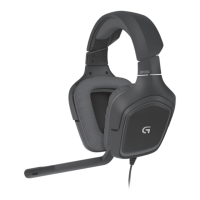
Identifies headset parts: earpads, microphone, volume/mute controls, and USB audio adapter.
Steps to connect the headset via USB and install the G430 software for optimal use.
Adjusts headset/microphone volume, bass/treble, and advanced equalizer settings.
Controls for surround sound switch, source volume, level reset, and testing audio.
Procedures for removing, washing, drying, and reattaching headset earpads.

 To Next Page
 General