Enable On-Board Memory mode on your gaming mouse with Logitech G HUB
On-board memory functions let you store some settings to the device itself with the help of G
HUB. You can then carry the settings (for example, the mouse DPI) to another computer without
needing to install G HUB.
To enable On-board memory mode, select the device in G HUB and click on the settings icon in
the top right corner. Toggle the button to ON and choose the profile you would like to save to the
On-board memory of your mouse.
Customize gaming mouse pointer speed with Logitech G HUB
To customize the pointer speed of your mouse:
1. Launch G HUB and select the product from the main window.
2. You can adjust the slider or select the preset DPI speed.
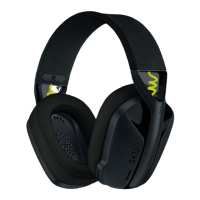
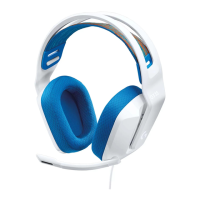
Using your G435 Gaming Headset on Nintendo Switch
Nintendo Switch allows you to pair only one Bluetooth audio device such as your G435 Gaming
Headset at a time, but does not support Bluetooth microphones. You can use the Nintendo
Switch Online App for select games when you want to talk to other players.

 Need help?

 To Next Page
 General