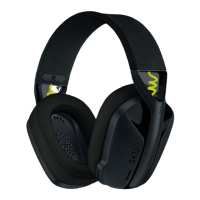
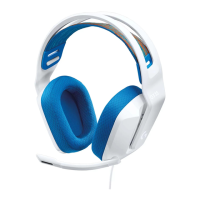
My G435 Gaming Headset does not connect to Nintendo Switch using Bluetooth
The G435 was developed before Nintendo released Bluetooth functionality. Hence, the initial
release of G435 headsets could not connect to Nintendo Switch with Bluetooth. This has been
solved for future production. If you are having issues connecting the G435 to your Nintendo
Switch, you'll need to update the firmware. You can download the G435 LIGHTSPEED
Wireless Gaming Headset Update Tool here.
To update the firmware:
1. Make sure your G435 headset is connected to the receiver and power on the device.
2. Check if the battery level is at least 30%. For steps on how to check your battery level,
click here.
3. Run the .exe file you have downloaded. You'll see this window:



 To Next Page