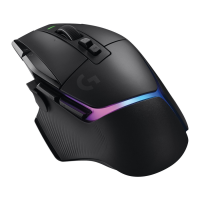
G502 X PLUS | G502 X LIGHTSPEED Gaming Mouse FAQs 28
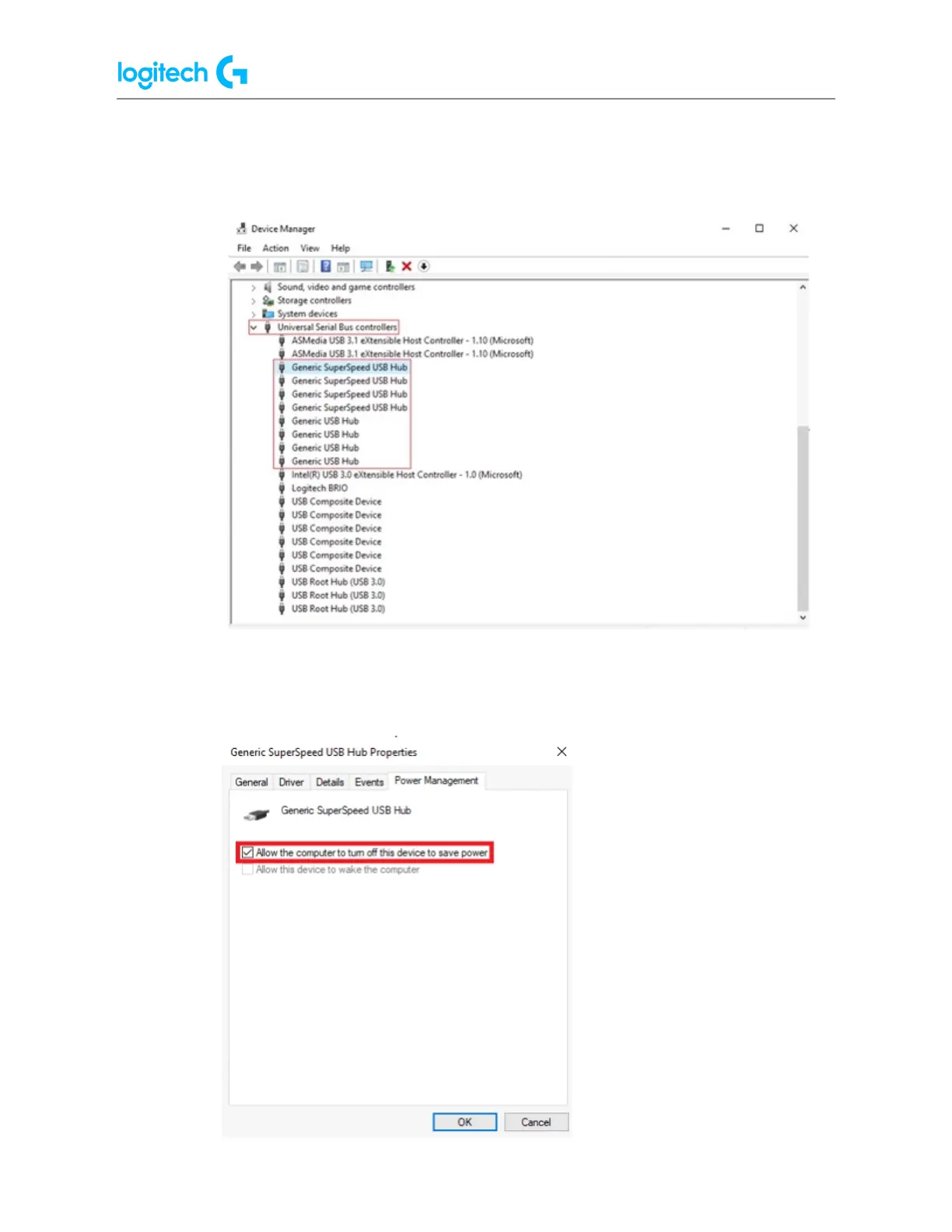
● Power Management for USB hubs:
1. Press the Windows key, type "Device Manager" and press Enter.
2. Expand the tree for "Universal Serial Bus controllers".
3. Right-click on a hub and select Properties.
4. Under the Power Management tab, uncheck the setting Allow the computer to
turn off this device to save power.



 To Next Page